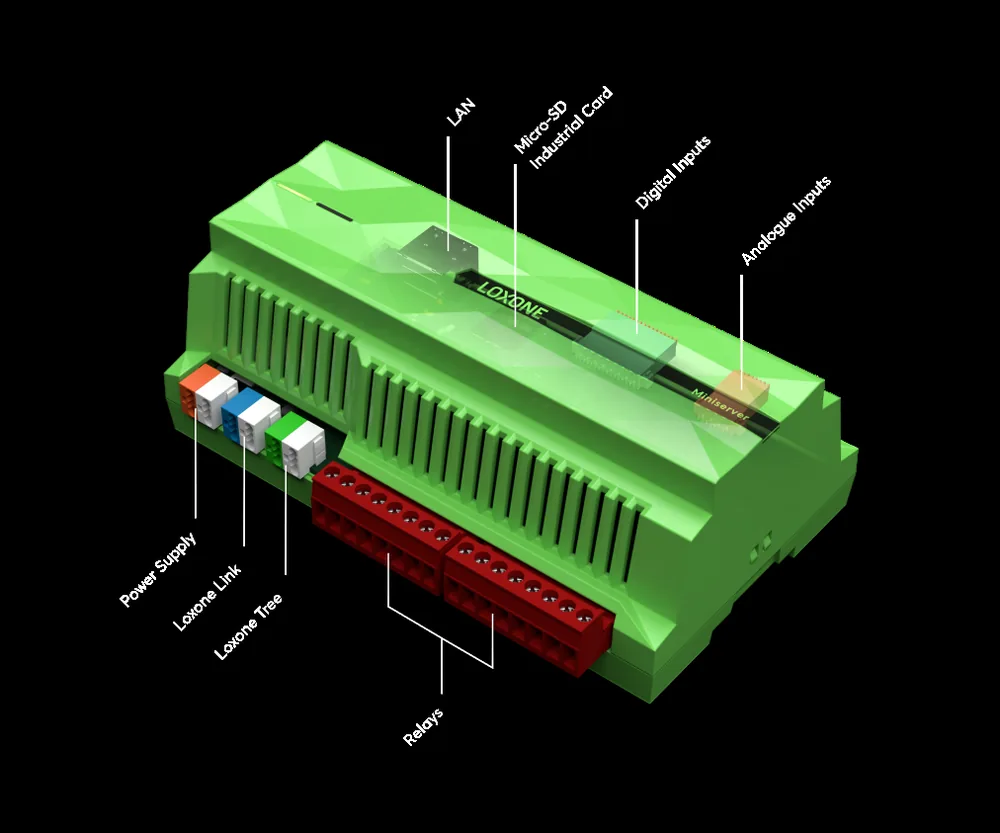
Loxone · Installation
Loxone Installation — Survey, Commissioning and Handover
How a Loxone building automation project is installed: survey, point schedule, panel and device installation, commissioning, testing, training and handover.
Country installation pages
10 pagesSurvey and system audit
Installation begins before anything is mounted. The survey records the existing systems, their protocols and their condition; the plant rooms, risers and ceiling voids that will carry the new devices; the network paths and power available; and the areas where access will be needed during the works. For a retrofit, the survey also records what must keep running while the new layer is installed. A plant room with no spare way in the panel, a riser with no draw wire and a ceiling void full of services are all discovered here, not during the first week of installation. The output is a system inventory, an interface list and a set of risks that the design and the programme have to respect. A survey that only lists equipment and ignores access, noise and working hours will produce a programme that cannot be delivered.
- Existing systems, protocols and condition recorded
- Routes, power and network paths confirmed
- Live systems and shutdown constraints identified
Point schedule and panel design
The point schedule is the contract between design and installation. Every input and output is listed with its tag, type, range, location and the controller it lands on. Points are grouped by room and zone, not by panel order, so the installation follows the building's operating model rather than the cable route. From that schedule we size the panels, plan the terminals, separate mains from extra-low-voltage wiring and define the labelling. A good schedule makes the panel build repeatable and the commissioning predictable. It also exposes gaps early: a missing sensor, an undefined interface or a valve that cannot be commanded is cheaper to find on paper than on site. The schedule is issued for review before panel manufacture, and changes after release are handled as revisions, not as verbal instructions on site. The approved revision is the only version the workshop and the commissioning team work from. Spare terminals are scheduled at the same time as used ones, so the spare is real rather than theoretical.
- Every point tagged, typed, ranged and located
- Panel sizing and terminal plan from the schedule
- Released revisions control workshop and site work
Wiring topology and network design
The topology decides how the building behaves when a cable or a switch fails. Controllers are placed in plant rooms and floor risers; extensions are placed near the field devices they serve; gateways sit beside the equipment they translate. Network segments follow the building's fire compartments and tenant boundaries where practical, and the control network is separated from tenant and guest traffic. IP addresses, device addresses and bus segments are allocated before installation and recorded in a schedule. Power supplies are sized for the connected load and for the standby behaviour the owner expects. A drawing that shows only logical connections is not enough; the installer needs the physical route, the cable type and the segregation rules, or the installation will invent its own. The network drawing is issued with the panel drawings, because the two are commissioned together. A segmented network also limits the blast radius of a fault.
- Controller, extension and gateway placement by function
- Segments aligned with fire compartments and tenants
- Addresses, cable types and routes scheduled before work
Panel build and device installation
Panel build follows the drawing, not the habit of the installer. Components are mounted, wired, labelled and tested before the panel leaves the workshop where that is possible. On site, controllers, extensions, gateways and power supplies are installed in the agreed locations; sensors, actuators and field devices are mounted and connected; the network is terminated and documented. Work is coordinated with the other trades so that ceilings, finishes and plant commissioning are not held up. Every deviation from the drawing is recorded for the as-built. Panels are left with a wiring diagram inside the door, a terminal schedule and the spare ways labelled, because the next person to open the panel may be under pressure at night. Temporary protection during construction prevents the most common cause of early-life faults: dust and moisture in a finished panel.
- Workshop build, wiring, labelling and pre-test
- Field devices mounted and connected to schedule
- Deviations recorded for as-built documentation
Commissioning and testing
Commissioning proves the installation against the design. Point-to-point testing confirms that every input reads and every output acts at the right address. Functional testing then proves the sequences: schedules, interlocks, plant staging, alarm routing and failover behaviour. Where the project requires it, a factory acceptance test is performed before delivery and a site acceptance test after installation. Test records are signed, dated and attached to the point schedule. A sequence that has not been tested is not commissioned, however convincing the graphic looks. Fault simulation is part of the test: disconnect a sensor, stop a pump, interrupt the network and confirm that the building goes to a safe and documented state rather than an improvised one. Witnessing is scheduled with the client, not assumed, because a test nobody saw is a test that will be repeated.
- Point-to-point test for every input and output
- Functional test of schedules, interlocks and alarms
- Fault simulation and signed test records
Operator training and handover
Handover is a working session, not a folder. The building team is trained on the operator views, the alarm handling, the schedule changes they are allowed to make and the backup procedure. Training is organised around tasks rather than screens: acknowledge an alarm, change a schedule, find a trend, restore a backup on a spare controller. The handover pack includes the as-built drawings, point schedule, control narrative, alarm list, network diagram, backup record, test records and vendor contacts. A defined support path covers the first operating period, with a route for defects and a route for optimisation requests. The building should be able to run without the installation team in the room. Training materials are left on site, not taken away, because staff change and memory fades. The handover meeting ends with a named owner for each system.
- Task-based training on views, alarms and backups
- As-built pack, test records and backup record
- Defined support and defect route after handover
Country and site conditions
The same platform is installed differently by market. Climate, power quality, local code, logistics and the distance to support change the survey, panel design and commissioning plan. These are planning considerations, not claims about a specific country or project. The installation plan should state the ambient conditions, power arrangement, network ownership, access restrictions and spares strategy before the panel is released.
- Middle East: high ambient temperature, dust, district cooling and landlord approvals
- Southeast Asia: humidity, lightning risk, grid variation and multi-vendor sites
- Africa: generator/ATS interfaces, power resilience and spares logistics
- Europe: local standards, documentation depth and energy reporting
Support, defects and seasonal optimisation
Buildings reveal themselves over a year. Seasonal commissioning revisits the sequences when the building has seen a real summer and a real winter: heating curves, changeover points, optimum start times and alarm thresholds are adjusted against observed behaviour. A defect is something that does not work as specified; an optimisation is a change to the design intent, and the two follow different paths with different budgets. Spares, licences and access credentials are handed over with an owner. The support path should be short enough to be used and documented enough to be audited. A building that is supported only by the original installer is a building with a single point of failure, and the point of handover is to remove that dependency. Seasonal review is planned at handover, not requested a year later when the budget has moved elsewhere. A short list of open items is agreed and closed, rather than a long list that nobody owns.
- Seasonal review of curves, changeover and start times
- Defects separated from optimisation requests
- Spares, licences and credentials handed over with owners
Loxone training and handover
Loxone training and handover should leave the building team able to run the system without the original laptop. Cover the operator app, alarm acknowledgement, schedules, scene overrides, user roles and the first-line checks before calling support. For the integrator, hand over the configuration backup, network diagram, point schedule, IP list, licence information and a change log. Training is not a certification claim; it is a practical walkthrough of this building, recorded and repeated after the defects period.
Installation stages and acceptance
15 rows| Stage | Key output | Client input | Acceptance |
|---|---|---|---|
| Survey and audit | System inventory, interface and risk list | Drawings, access and facility team | Site survey approved |
| Point schedule | Tagged point list and panel plan | Signed-off design and equipment list | Schedule signed off |
| Panel design | Panel layout, terminal plan and labelling | Panel locations and power | Design review record |
| Panel build | Wired, labelled and pre-tested panels | Workshop access and component delivery | Factory check record |
| Device installation | Mounted sensors, actuators and field devices | Site access and trade coordination | Installation check sheet |
| Cabling and termination | Labelled cables, terminated cores and test results | Routes, containment and isolation | Cable test record |
| Network setup | Documented addressing and segmentation | Network and IT coordination | Network test record |
| Point-to-point test | Every point proven at its address | Time for testing and witness | Signed point test |
| Functional test | Sequences, interlocks and alarms proven | Operating scenarios and witnesses | Signed functional test |
| Alarm and failover test | Alarm routing, escalation and safe states | Response roles and contact details | Fault simulation record |
| Operator training | Trained operators and maintenance staff | Attendees and availability | Training record |
| Handover | As-built pack, backups and test records | Acceptance sign-off | Handover record |
| Seasonal review | Adjusted curves, start times and thresholds | Operating data and feedback | Seasonal review report |
| Support period | Defect and optimisation route | Named contacts and access | Support log |
| Spares and licences | Spare parts, licences and credentials | Ownership and storage | Asset register |
Project images
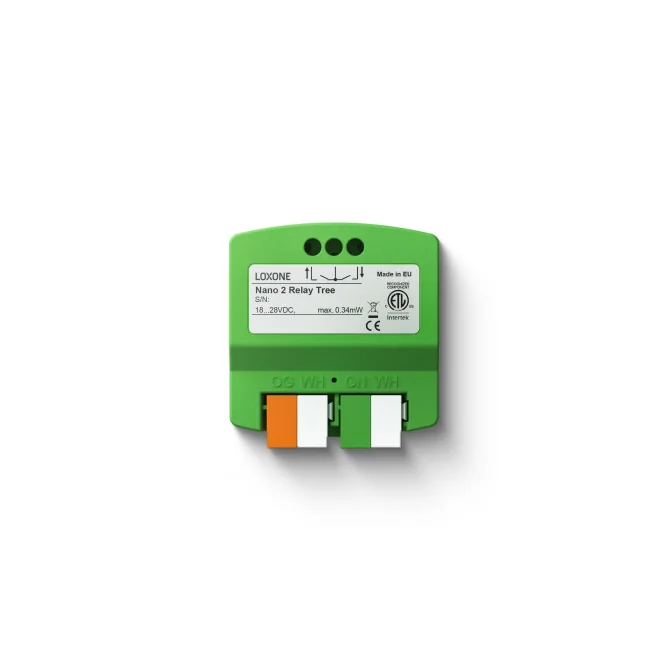
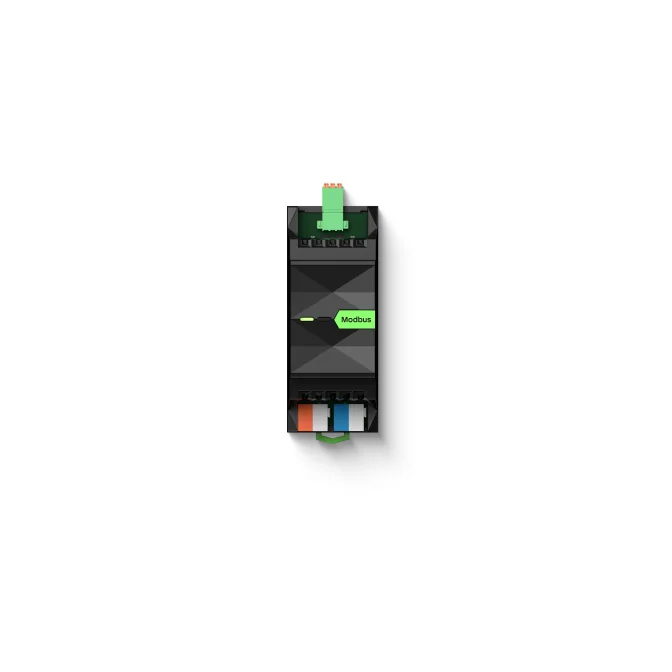
3 images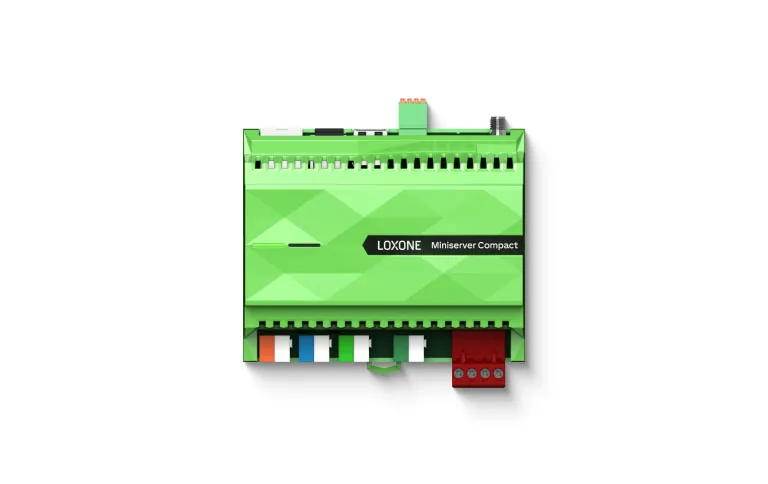
Frequently asked
01Do you install the panels yourselves?
Panel build and site installation are delivered by our team or by an installer working to the same drawings and test records. The responsibility is defined in the scope.
02Can installation run in phases?
Yes. Phases can follow floors, risers, systems or handover dates, with each phase having its own point schedule, test record and acceptance.
03What is a point schedule?
A line-by-line list of every input and output, with its tag, type, range, location and controller. It is the basis for panel design, wiring, testing and future maintenance.
04Do you test every point?
Yes. Point-to-point testing confirms each input and output at its address before functional testing begins.
05What is the difference between FAT and SAT?
A factory acceptance test proves the panel and logic before delivery; a site acceptance test proves the installed system against the same criteria on site.
06What training is provided?
Operator training covers views, alarms, permitted schedule and setpoint changes, and the backup procedure. Maintenance training can be added for the building's technical team.
07What happens after handover?
A defined support path handles defects and optimisation requests. The building team owns the platform, and we support the operating model where agreed.
Next step
Bring us the building.
Tell us the building type, systems in scope and the outcome you need. We will map the shortest path to a working system.