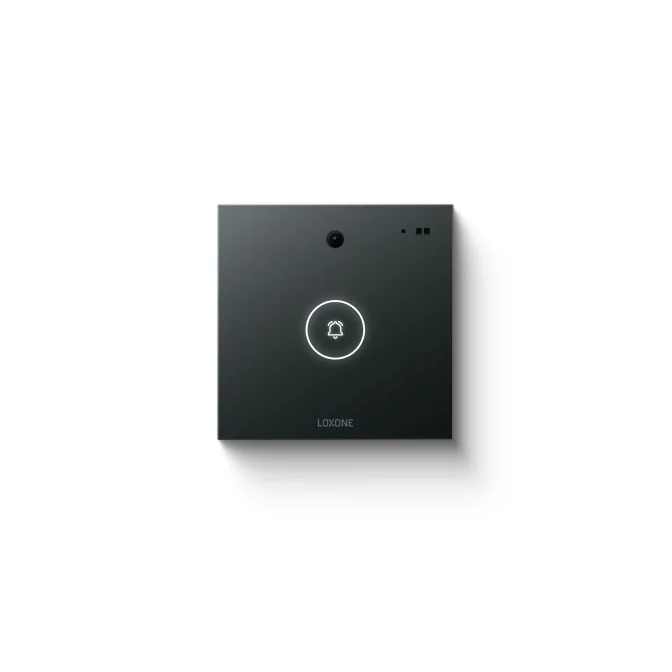
Loxone · Intercom
Loxone Intercom Integration — Door Entry, Visitors and Building Logic
Intercom integration on a Loxone platform: door entry calls, visitor handling, remote release through the access system and building logic around each event.
Quick answer
Loxone intercom integration links door-entry stations and handsets to the building model, so a call, a release or a missed visitor can trigger lighting, access logs and operator alerts. The intercom handles conversation and identification; the access system handles the door, and the building platform coordinates the response.
Where intercom sits in the building
An intercom is the point where a visitor, a delivery or an after-hours contractor meets the building. It is not only an audio path. It is an event source: someone is at the door, a call was answered, a door was released, a visitor was refused, a handset was unavailable. When that event reaches the building platform, the response can be coordinated: lights at the entrance, a camera view for reception, a lift lobby scene, a log entry. The intercom stays a communication device; the building decides what happens around it. That distinction keeps the system maintainable, because a change of handset or app does not require rewriting the lighting and HVAC logic that surrounds the entrance. The building response is tested with the same care as the call itself.
- Intercom events treated as building events
- Audio and video remain the intercom's job
- Lighting, access and CCTV respond around the call
Entrance and call-routing strategy
An entrance is not just a button on a post. We list each entrance, who is expected there, what times it is used, and which station should answer. Call routing follows that model: a main entrance rings reception during office hours and the duty manager afterwards; a service door rings the facilities station; a car-park pedestrian door rings security. Where several entrances share a reception function, calls can queue or forward rather than ring every station at once. Accessibility requirements affect mounting height, visual signals and hearing-loop provision, and those are agreed with the building's access consultant rather than improvised on site. The routing table is tested with real calls before handover, including the busy and no-answer cases. The table is kept short enough to be read at reception and detailed enough to be tested. Exceptions are written down, because an unwritten exception becomes a habit.
- Routing table by entrance, time and role
- Queue and forward instead of ringing every station
- Accessibility provisions agreed with the consultant
Door entry and call handling
Door-entry behaviour should be predictable. A visitor presses the call button; the assigned handset, reception station or app rings; the call is answered or forwarded; the door is released by the access system, not by the intercom alone. Where the intercom supports SIP or an API, call events can be surfaced to the building platform and logged. A missed call should leave a visible trace rather than disappear. For sites with multiple entrances, the call routing and the release permissions should match the door group, not a single global setting. During a call, the operator needs three things on one screen: who is calling, which door, and whether the door is closed and locked. Anything else is secondary, and the interface should reflect that priority. Call recording, where used, follows the same policy as CCTV and is not a default. The release permission is checked at the door, not assumed from the call.
- Call routing by entrance, time and role
- Release executed through the access system
- Missed and refused calls logged
Visitor handling and reception workflow
Most visitor problems are process problems. The intercom should support a short, clear flow: identify the visitor, confirm the host, grant or refuse entry, record the decision. Reception can use a handset, a screen or a web interface; a remote site can use a mobile device. The building platform can prepare the destination: lighting in the meeting area, ventilation in the interview room, a camera preset at the entrance. When the visit ends, the same event closes the sequence. The log should show the visitor, the host, the door and the time. Deliveries and contractors follow a different flow, with a different destination and often a different entrance, and should not be forced through the visitor path. A visitor who is expected should never have to explain the building's process at the door. The log is the handover record between reception, security and facilities.
- Identify, confirm, admit or refuse, record
- Destination prepared before the visitor arrives
- Visit closure tied to the same event record
Integration with access control and building logic
The intercom should not be an isolated doorbell. Integration with access control gives the operator a verified identity and a controlled release; integration with building logic gives the visitor a space that is ready. A concierge can see the call, the camera and the door state in one view. A gate intercom can trigger driveway lighting and a lobby scene. A service entrance can alert the facilities team without ringing every handset in the building. The sequence is configured once and repeated at every entrance of the same type. The platform records the event and the building response; it does not decide who may enter, and it does not energise the lock. That remains with the access system and its door controller. The same event can prepare a lift lobby or a meeting room, but only where the access system has confirmed the identity. No single system is asked to do a job another system owns.
- One view for call, camera and door state
- Entrance sequences repeated across the site
- Release and lock power remain with the access system
Device selection, power and network topology
Device selection follows the entrance. An IP door station needs a network drop, Power over Ethernet or a local supply, and a backup path if the network switch is not on essential power. Analogue or two-wire systems suit retrofit buildings where new cable is impractical, but their event and integration options are narrower. Handsets, screens and mobile apps each serve a different reception model. Cameras need light and a field of view that includes the visitor's face and the door, not just the top of a head. Surge protection matters on external stations, and every device needs a label, an address and a place in the network drawing. The intercom VLAN is separated from tenant traffic, and remote access follows the same security policy as the rest of the building network. Where the intercom is the only network device at a remote gate, a local power reserve keeps the call path alive during an outage. A simple drawing avoids the classic fault of a station powered from the wrong circuit.
- IP, two-wire or analogue selected by building condition
- Power, surge protection and backup path planned
- Separate VLAN and documented addresses
Privacy, alarms, commissioning and handover
Intercom integration touches personal data, so the scope should be explicit. Video and audio streams stay within the systems designed to handle them; the building platform receives events and status, not a recording archive. Retention, access rights and consent notices belong to the operator's privacy policy and local law. Alarms cover call station offline, network loss, handset fault and door-release failure. Commissioning tests each entrance in both directions, including no answer, busy, transfer and network failure. Handover includes the entrance list, routing rules, release permissions, event map, tested escalation path and operator training. Changes to routing or permissions go through the same change control as any other building sequence, so a temporary arrangement does not become permanent. A privacy notice at the entrance is part of the installation, not an afterthought. Training includes what to do when the network is down and the queue is building.
- Events and status, not a video archive
- Retention and access rights defined by the operator
- Entrance list, routing rules and training at handover
Intercom scenarios and building response
13 rows| Scenario | Intercom action | Access action | Building response |
|---|---|---|---|
| Main entrance visitor | Call to reception or host | Release by access controller | Lobby lighting, camera view, visit log |
| Apartment or villa gate | Call to resident handset or app | Resident release via access system | Driveway lighting, entry scene |
| Delivery at service door | Call to facilities station | Temporary release if permitted | Service corridor lighting, alert to facilities |
| After-hours contractor | Call to duty manager | Time-limited door group | Route lighting, HVAC in work zone |
| Car park pedestrian door | Call to security | Remote release by security | Stair and lift lobby lighting |
| Reception transfer | Call forwarded to another station | No door action until answered | Camera preset follows the call |
| Missed or refused call | Recorded as unanswered or refused | No release | Operator alert, log entry for review |
| Loading bay and goods entrance | Call to stores or facilities | Release by access controller | Loading bay lighting, ventilation boost |
| Staff entrance | Call only outside shift hours | Credential access during shifts | Staff room lighting and HVAC |
| Secondary lobby entrance | Call to reception or concierge | Release by access controller | Lobby scene and camera preset |
| Intercom network failure | Station reports offline | Door stays under access control | Alarm to facilities, manual procedure |
| Door release failure | Call remains connected | Controller reports release fault | Operator guidance, security dispatch |
| Call log review | History exported by entrance | Release records matched | Incident reconstruction and audit |
Project images
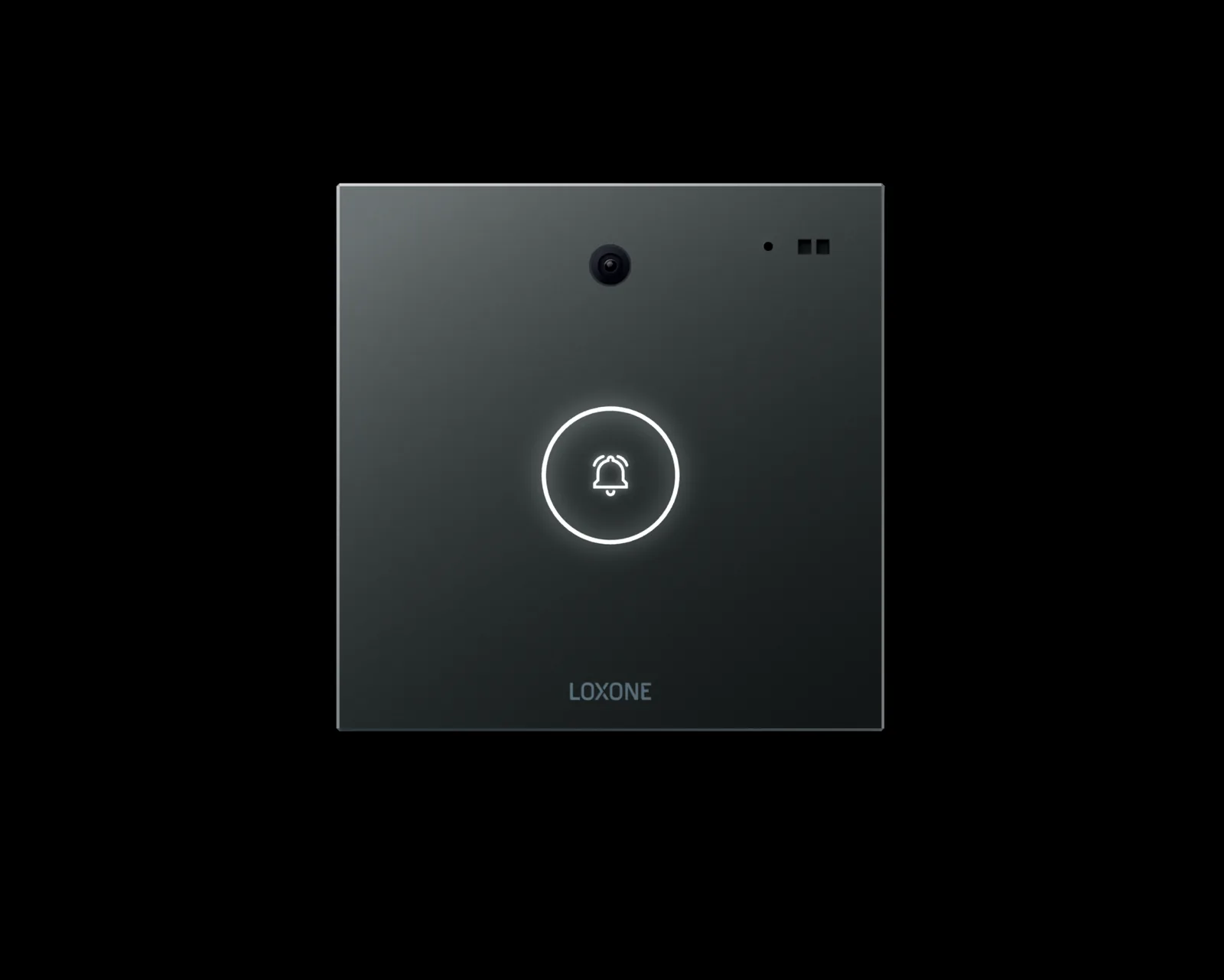
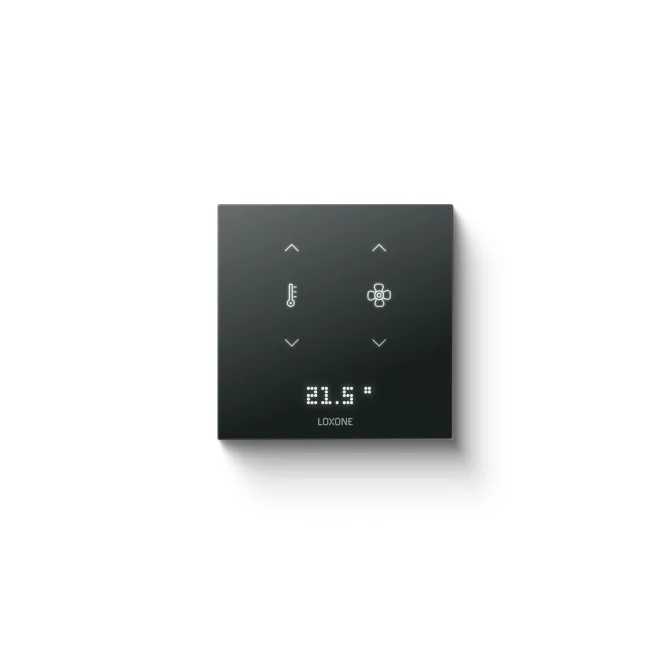
3 images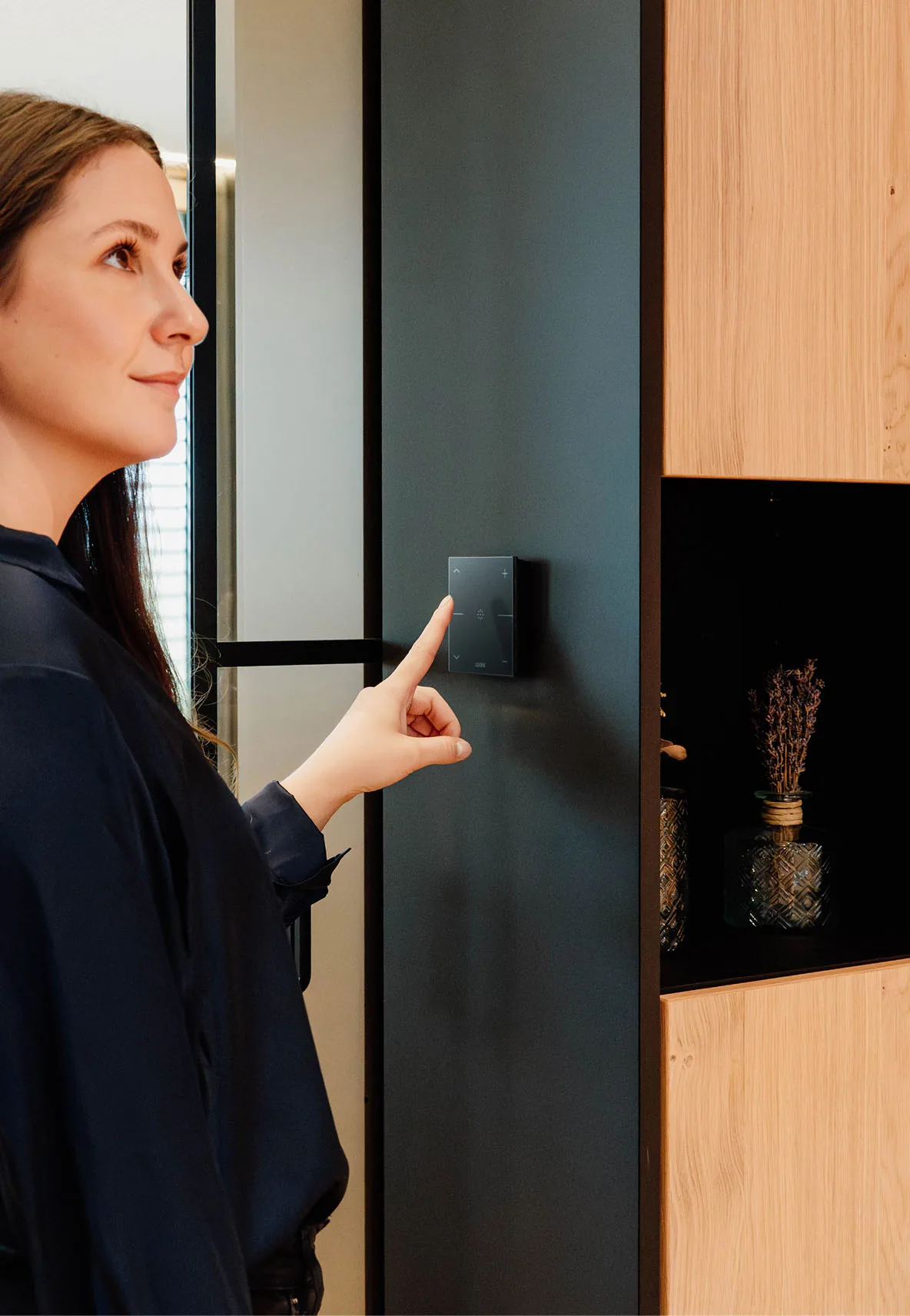
Frequently asked
01Do you supply intercom hardware?
We integrate intercom stations and handsets, including third-party devices that expose SIP, an API or dry contacts. Hardware supply is agreed per project.
02Can the intercom open the door directly?
The release should be executed by the access system or door controller, not by the intercom alone. The platform coordinates the sequence and records it.
03Can calls go to a mobile phone?
Where the intercom supports SIP or an app, calls can be routed to a mobile device. Routing rules and permissions are configured during commissioning.
04Is video stored by the building platform?
No. The platform receives call and door events; video recording and retention stay with the intercom or CCTV system.
05Can different entrances have different rules?
Yes. Call routing, release permissions and building responses are configured by entrance and by time profile.
06How does this work with access control?
The access system validates the credential or the release permission; the intercom provides the conversation and identification; the platform links both to lighting, HVAC and alarms.
07What happens if the intercom network fails?
Door control and building sequences continue locally where they are wired to local controllers. The call path may be unavailable, and the failure should raise an alarm rather than remain silent.
Next step
Bring us the building.
Tell us the building type, systems in scope and the outcome you need. We will map the shortest path to a working system.