Loxone
Loxone Building Automation — System, Products & Applications
Loxone building automation explained: the Miniserver, Tree, Air and 1-Wire, product families, open protocol integration and typical applications.
Loxone product line
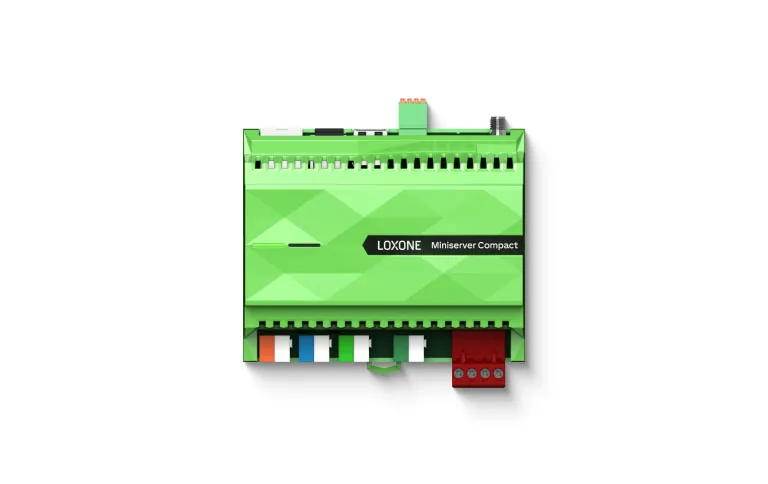
9 familiesMiniserver
The local brain of the building.
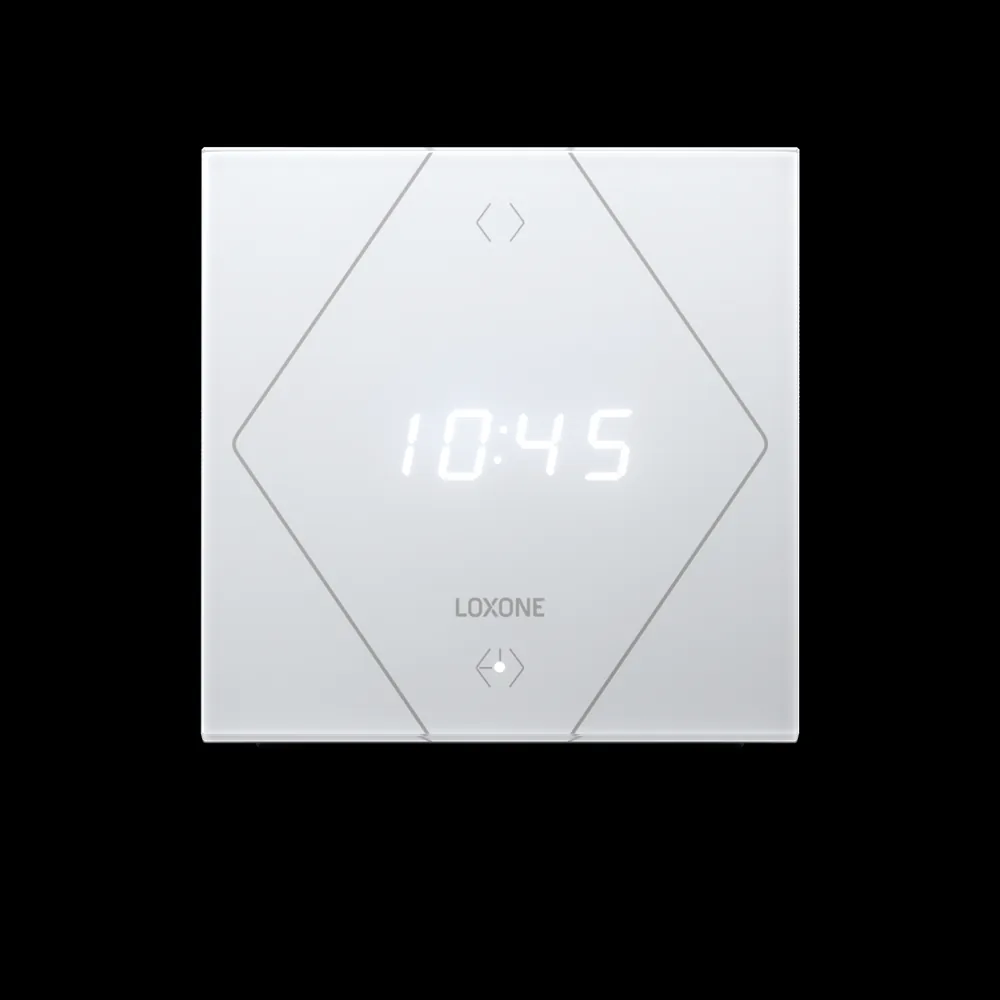
Control elements
One control element. Endless possibilities.
Audio
Multiroom audio, built in.
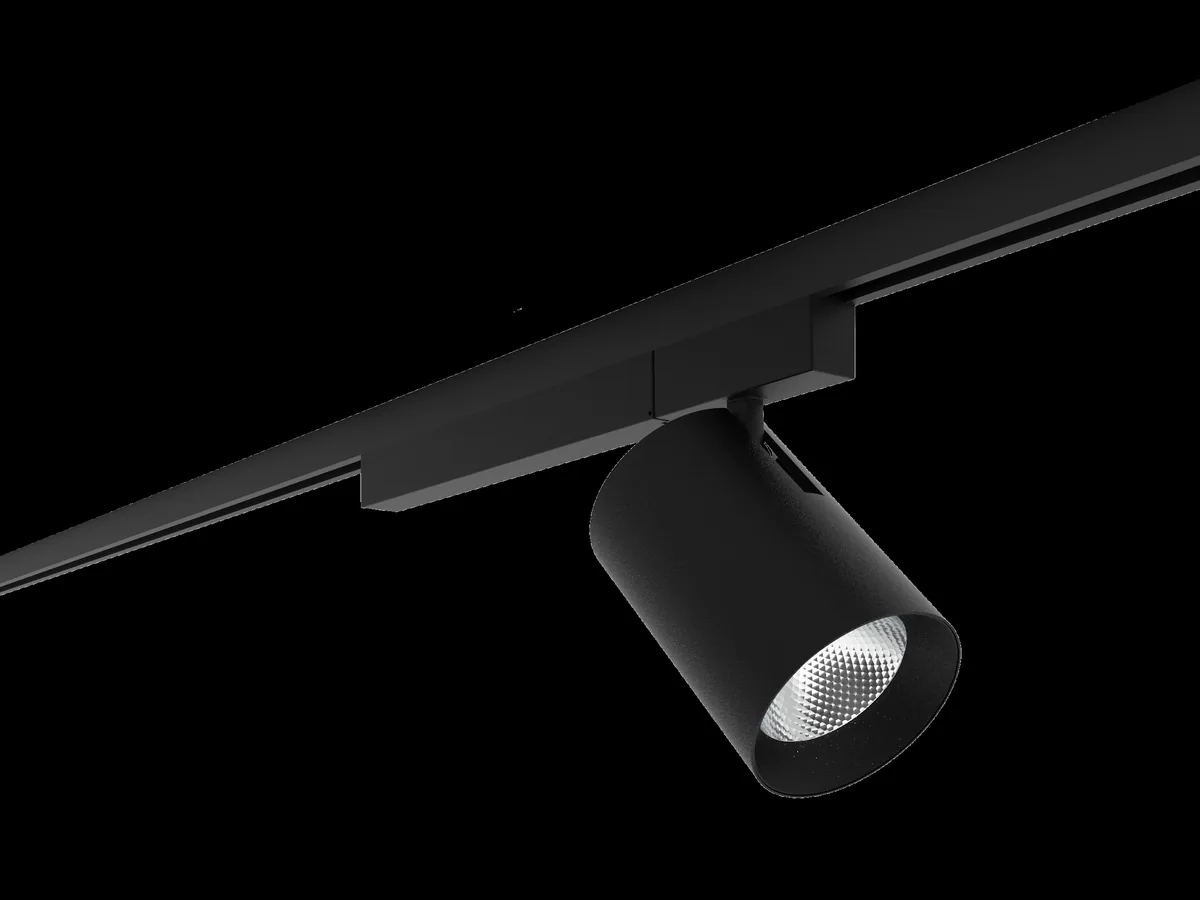
Lighting
Light that follows the day.
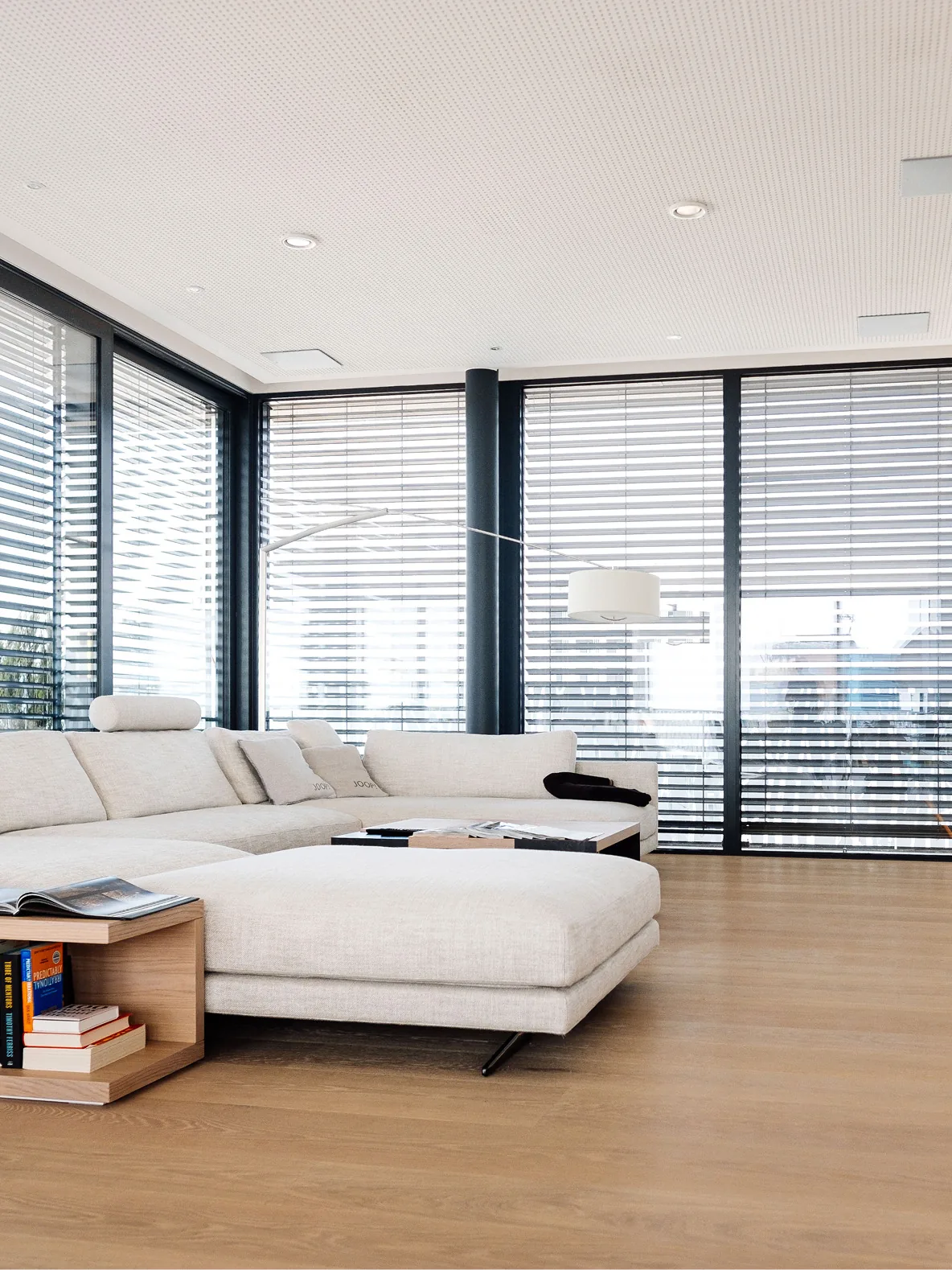
Shading
Shading that reacts before you do.

Climate
A healthy indoor climate.
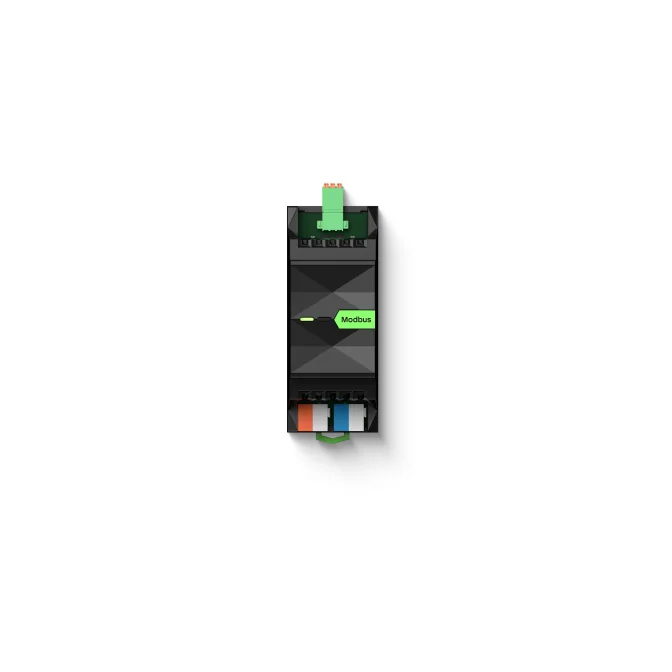
Energy
Measure it. Then move it.
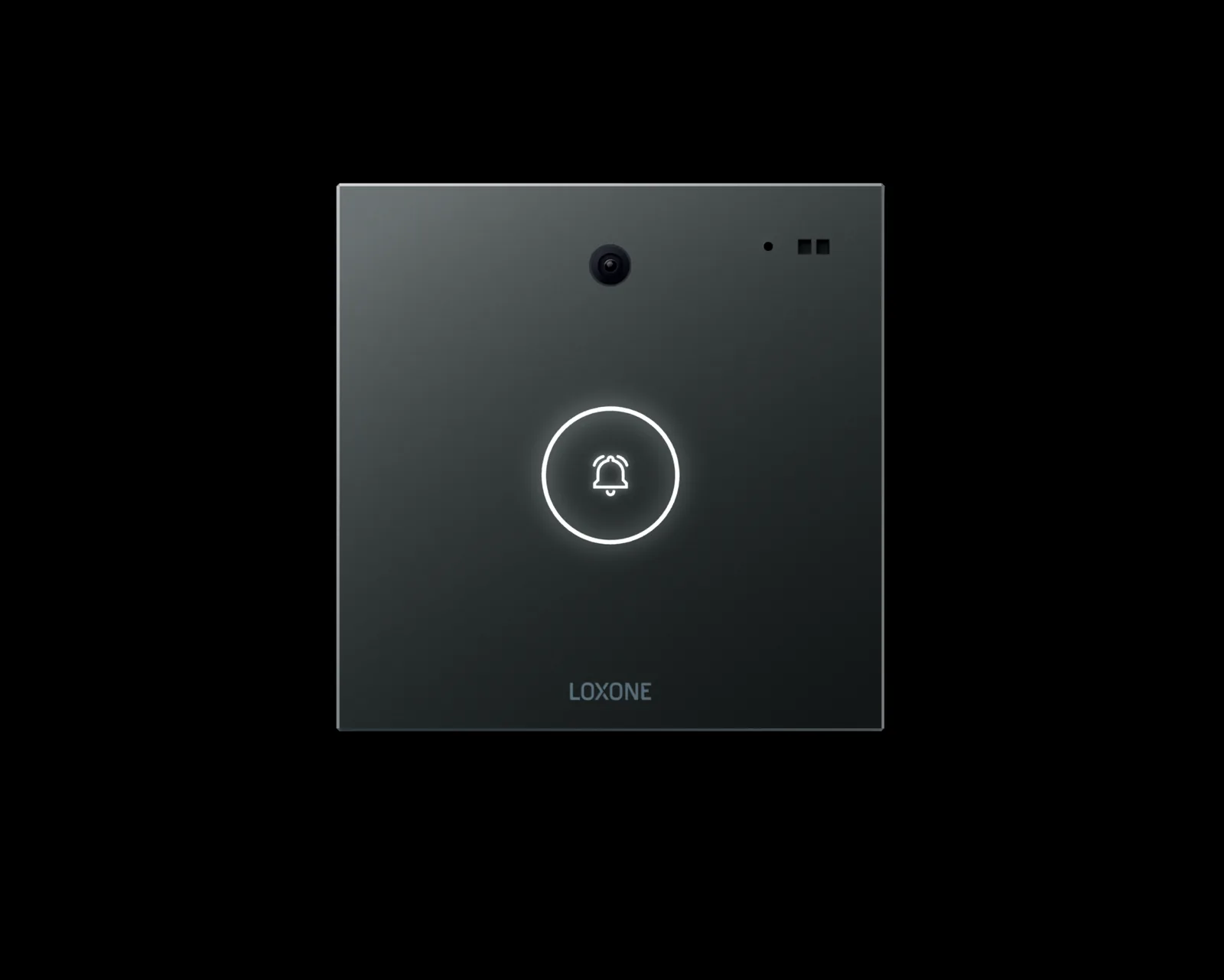
Security & access
One system for every access.
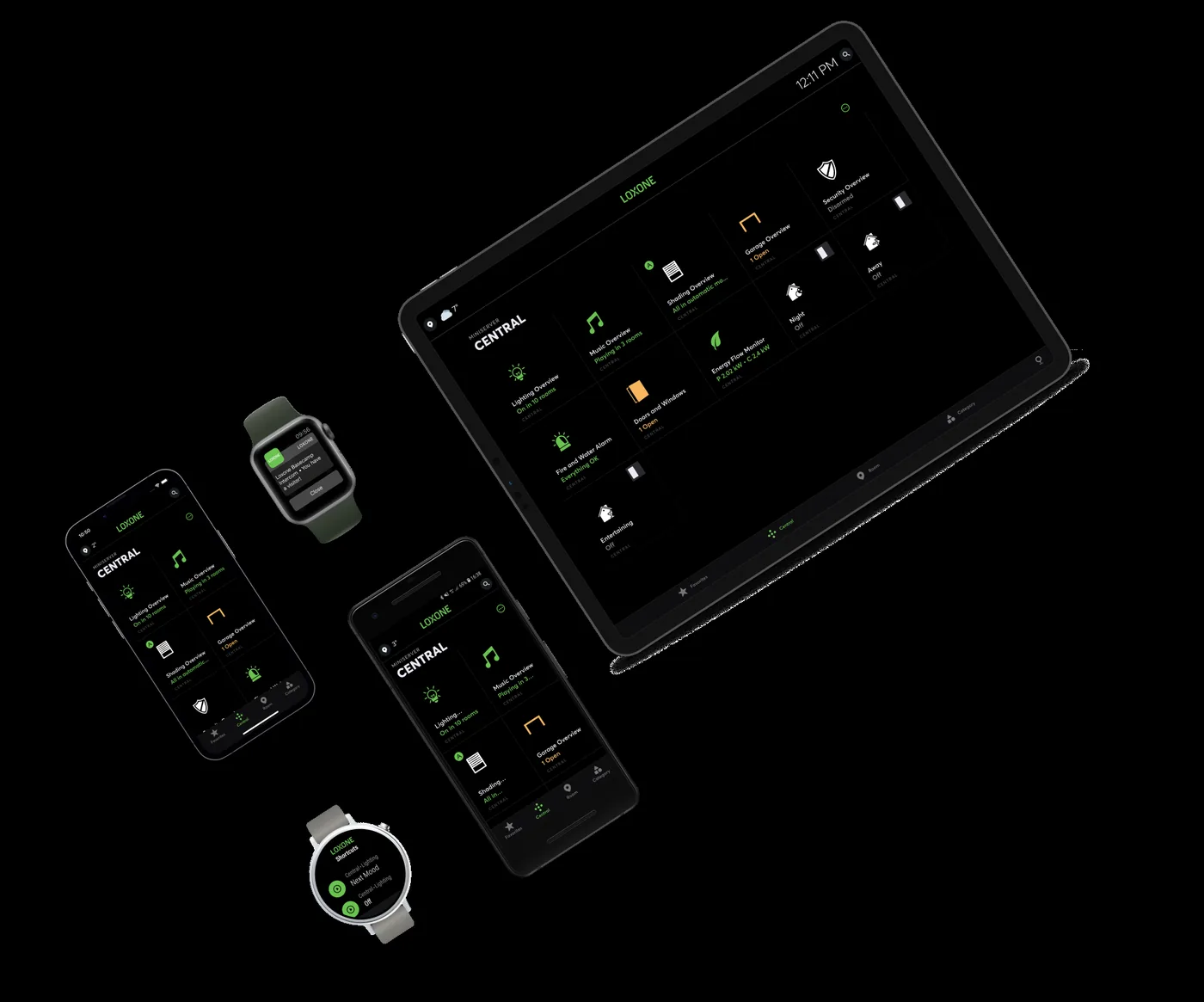
Software & Exosphere
One software stack, from room to portfolio.
What Loxone is
Loxone is an Austrian building-automation platform that combines a local controller, bus devices, room controls and engineering software. Its centre is the Miniserver, which runs schedules, logic, interlocks and room functions on site. The platform is associated with residential projects, but the same architecture is used in hotels, offices, retail and mixed-use buildings. Loxone is not a single product or a cloud service. It is a system of controllers, extensions, sensors, actuators and software that can be specified at different depths for different buildings. That flexibility explains why the same platform can serve a single apartment, a hotel floor or a retail chain without a separate product line for each. The practical question is not whether the platform can be used commercially, but whether the project is engineered with the interfaces, alarm handling and documentation that a commercial building needs.
- Local controller at the centre
- Wired and wireless device options
- Software for engineering and operation
- Open interfaces to third-party systems
System architecture
The Miniserver sits between the field and the operator. Tree devices connect over a dedicated bus cable; Air devices communicate wirelessly; 1-Wire supports sensors such as temperature probes. Extension modules add inputs and outputs where the installation needs them. The Miniserver runs the control logic locally, stores the configuration and serves the app. A building can use one controller or several, segmented by floor, wing or subsystem. Above the controllers, a supervisory layer can consolidate data and provide cross-building reporting, but it is not required for basic operation. For larger sites, the supervisory layer should be designed at the same time as the controllers so that naming, alarms and user roles stay consistent across segments. Segmentation is also a risk decision: a fault in one controller should not take the whole building offline, and a local controller should keep its own sequences running while the network is down.
- Miniserver for logic and local data
- Tree, Air and 1-Wire for field devices
- Extensions for additional inputs and outputs
- Optional supervision above the controllers
Product families
Loxone product families cover the room and the plant room. Control elements provide scene, climate and shading operation at the wall. Lighting includes presence and daylight control across DALI, DMX, KNX and Tree luminaires. Shading responds to sun, wind and scenes. Climate products control heating, cooling and ventilation room by room. Audio brings announcements and music into the same platform. Energy products cover metering, photovoltaic, storage and charging. Access and intercom share an event model with lighting and climate. Software includes Config for engineering and the app for operation. The product families are not a fixed package; a project selects the depth it needs and leaves the rest for a later phase. That matters for budgets: a first phase can deliver reliable room control and metering, while a later phase adds access integration or energy reporting without replacing the controllers.
- Control elements and wall displays
- Lighting, shading and climate
- Audio, energy and access
- Config software and operator app
Open protocols and integration
Loxone is not limited to its own devices. Gateways and native interfaces connect KNX, BACnet/IP, Modbus RTU and TCP, DALI, DMX, RS485, RS232, EnOcean, HTTP and REST APIs, ODBC and potential-free contacts. That matters in buildings where the plant, meters or lighting already exist. Integration still requires an address list, a point map and a test record. The gateway is a translator, not a substitute for engineering. We confirm the available interface and the read/write behaviour during the audit, before the point schedule is fixed. Where an interface is not available, the honest answer is a gateway with a documented point list, or a change to the equipment specification, not an assumption that the data will appear. Protocol support also has limits: a gateway may expose status but not commands, or may handle a small point list reliably and a large one poorly. Those limits belong in the design, not in a commissioning surprise.
- KNX for lighting, shading and room control
- BACnet/IP for plant and AHUs
- Modbus for meters, inverters and sensors
- DALI for addressable lighting
Applications
In a villa, Loxone coordinates lighting, shading, climate, audio, access and energy as one household system. In a hotel, room controllers, occupancy sensing and property-management events shape guest comfort and back-of-house operation. In an office or retail chain, the same platform handles schedules, lighting scenes, climate zones and metering, with local control at each site. Retrofit projects benefit from Air devices and gateways where new cabling is difficult. New-build projects can plan Tree cabling, panels and room controls from the start. The application should be described in room functions and operating sequences, because that is what the building team will actually use and maintain. A room schedule with functions, sensors, actuators and user expectations is more useful than a product list, and it becomes the basis for the point schedule and the price.
- Villas and residential interiors
- Hotels and guest rooms
- Offices, retail and mixed-use
- Retrofit where cabling is constrained
How Loxone projects are delivered
A Loxone project starts with the building and the operating model, not the product list. We audit the systems, agree the room functions and build a point schedule. Panel layout, controller selection and bus design follow. Configuration happens in Loxone Config, with named functions, alarm handling and user roles. Factory acceptance testing checks the panel and logic before site work; site commissioning checks devices, sequences and interlocks. Handover includes documentation, backups and operator training. Support after handover focuses on changes, trend review and keeping the configuration understandable. The same discipline applies to small projects: a named point schedule, a tested panel and a backup are more valuable than an ambitious feature list that nobody can support. A project that skips the audit usually pays for it during commissioning, when access is harder and changes are more expensive.
- Audit and room-function schedule
- Panel, controller and bus design
- Configuration, FAT and site commissioning
- Documentation, backup and training
Engineering model: rooms, functions and roles
Loxone configuration is easier to maintain when it follows the building. We organise functions by room or zone, give each function a name that matches the drawings, and keep shared logic in central blocks rather than copying it from room to room. Lighting, shading, climate, access and audio are modelled as functions with inputs, outputs and parameters, not as loose wires between addresses. User roles decide who can change a setpoint, acknowledge an alarm or edit a schedule. The operator app should present the building the way the building team describes it, with clear room names and no hidden modes. Documentation should include a function list, a room matrix, the alarm categories and a configuration backup. A naming convention agreed before configuration starts prevents rework later, because renaming objects after graphics, trends and alarms are built is expensive and error-prone.
- Functions named after rooms and drawings
- Shared logic kept in central blocks
- Role-based app views
- Function list, room matrix and backup
Where Loxone fits, and where it does not
Loxone is strong where local room control, plant sequencing, lighting, shading and integration meet in one operating model. It is less suitable when a project needs a large, formal BMS with extensive plant graphics, complex multi-tenant billing or a specification that names a different control platform. Those are scope decisions, not defects. For a campus, the sensible architecture may be several Loxone controllers per building with a supervisory layer above them; for a single plant room, one controller and the right extensions may be enough. Life-safety systems such as fire detection and smoke control remain separate and keep their own authority. Final capacity, supported interfaces and product details must be confirmed against current documentation for the selected devices, because models and firmware change. The honest answer to a poor fit is a different architecture, not a longer feature list.
- Strong fit: room and plant control with integration
- Segment large sites by building or wing
- Life-safety systems stay independent
- Confirm capacity against current documentation
Loxone system building blocks at a glance
17 rows| Building block | Function | Typical application | Interface |
|---|---|---|---|
| Miniserver | Local control logic, schedules, app service | Core controller for a building or segment | Ethernet, Tree, Air, 1-Wire |
| Extensions | Additional inputs and outputs | Plant room, floor distribution, retrofit | Tree, Air, wired I/O |
| Tree | Wired bus for Loxone devices | New-build lighting, shading and room control | Tree cable |
| Air | Wireless device connection | Retrofit and hard-to-cable rooms | Air |
| 1-Wire | Low-speed sensor bus | Temperature probes and simple sensors | 1-Wire |
| Control elements | Scene, climate and shading operation | Rooms, reception, meeting spaces | Tree, Air |
| Lighting | Switching, dimming, scenes and presence | Offices, hotels, residential | DALI, DMX, KNX, Tree |
| Shading | Solar tracking, wind protection and scenes | Façades and guest rooms | KNX, Modbus, dry contacts |
| Climate | Heating, cooling and ventilation by room | Villas, hotels, offices | Tree, Air, 0–10 V, Modbus |
| Sensors and presence | Temperature, humidity, CO2, occupancy and daylight | Rooms, corridors, plant rooms | Tree, Air, 1-Wire, KNX |
| Actuators and drives | Valves, dampers, fan stages and blind motors | Plant, floor distribution and façades | Tree, Air, 0–10 V, dry contacts |
| Audio | Announcements, zones and music | Hotels, retail, residences | Network, audio outputs |
| Energy | Metering, PV, storage and charging | Energy-aware buildings | Modbus, API, pulses |
| Access and intercom | Door, entry and event integration | Entrances and guest rooms | API, dry contacts, network |
| Config and App | Engineering, operation and remote access | Integrators and building teams | Local network, optional remote |
| Remote access and backup | Authenticated access, configuration backup and restore | Support, changes and recovery | Network, VPN, local backup |
| Spares and lifecycle | Replacement units, firmware policy and end-of-life planning | Critical rooms and long-lived sites | Documented hardware list |
Project images
3 images
Frequently asked
01What is Loxone?
Loxone is a building-automation platform built around a local controller called the Miniserver. It combines bus devices, room controls, sensors, software and app access, and can integrate third-party systems through open interfaces.
02Is Loxone only for homes?
No. The platform began in residential automation and is also used in hotels, offices, retail and mixed-use buildings. Commercial projects usually add more interfaces, alarm handling and reporting rather than a different core controller.
03Does Loxone need an internet connection?
No. Control logic, schedules and interlocks run on the local Miniserver. Internet access is used for remote operation and reporting. If the connection drops, the building continues to run.
04What is the difference between Tree, Air and 1-Wire?
Tree is a wired bus for Loxone devices, typically used in new-build projects. Air is wireless and suits retrofit or rooms where cabling is difficult. 1-Wire is a low-speed bus for sensors such as temperature probes.
05Can Loxone integrate with KNX, BACnet and Modbus?
Yes, through gateways and native interfaces. Each integration needs a confirmed address list, a point map and a test record. The available data depends on the third-party equipment and how it has been configured.
06Can Loxone control HVAC?
Yes. Loxone can run room climate, fan coils, underfloor heating, ventilation and plant sequences, and can read chillers and AHUs through BACnet or Modbus where those interfaces are available.
07How is a Loxone system programmed?
Engineering is done in Loxone Config using function blocks, named objects, schedules and logic. The aim is a configuration the building team can read and maintain, with documentation and backups at handover.
08Is Loxone suitable for hotels and commercial buildings?
It can be, when the scope includes the interfaces, alarm model and reporting those buildings need. Hotels add guest-room control, PMS events and energy limits; commercial buildings add multi-tenant metering, access and CCTV linkage.
09Do you provide Loxone training?
Yes. We train operators and integrators during commissioning and handover, covering the app, alarm handling, schedules, scenes, backups and first-line checks. Training is specific to the building and recorded in the handover pack; it is not a certification claim.
Next step
Bring us the building.
Tell us the building type, systems in scope and the outcome you need. We will map the shortest path to a working system.