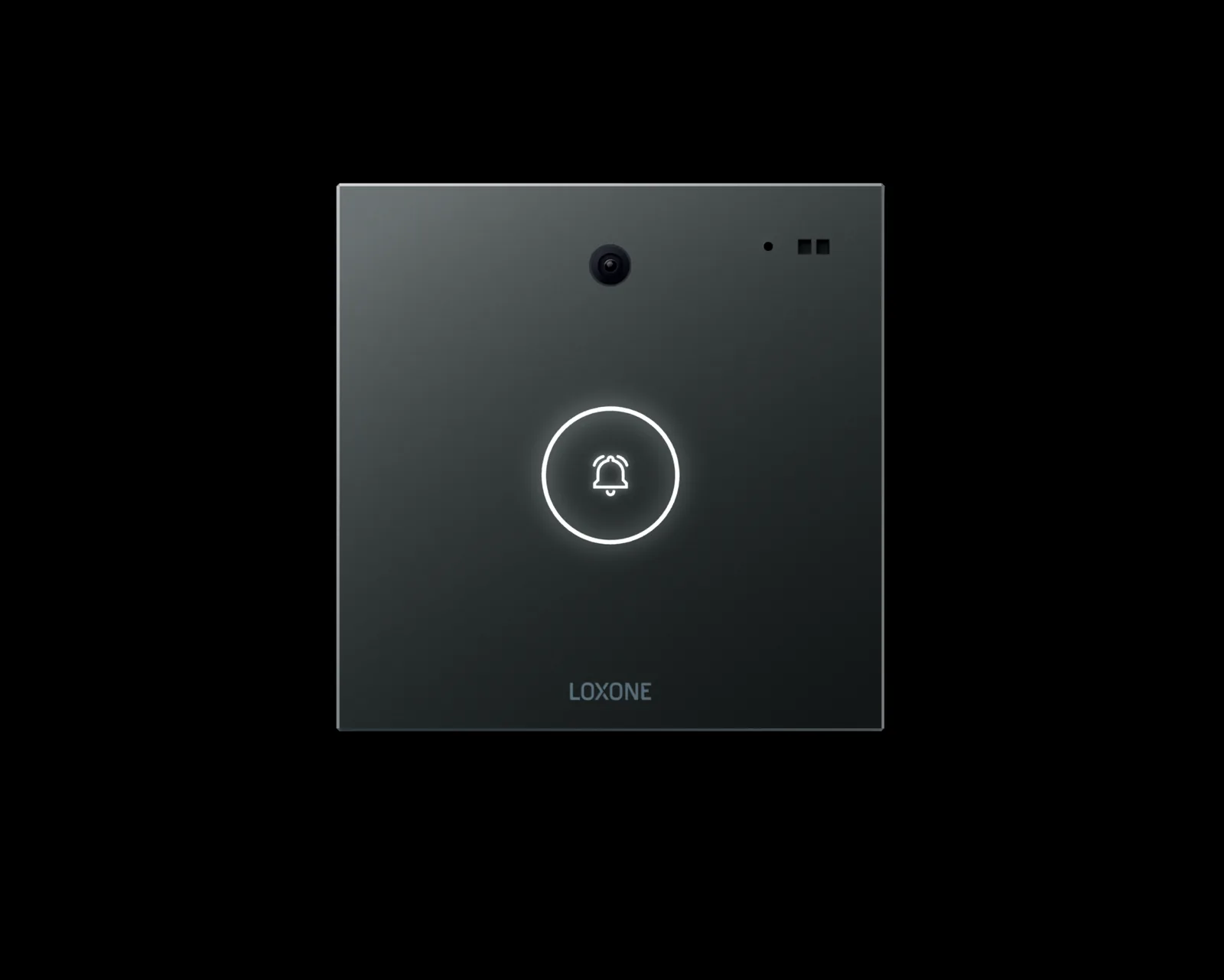
Loxone · Access integration
Loxone Access Control Integration — Door Events in the Building Model
Access control integration on a Loxone platform: door events, remote release, CCTV linkage and after-hours logic, with locks and readers supplied by access-control specialists.
Quick answer
Loxone access control integration connects existing door controllers and readers to the building model, so a valid entry can trigger lighting, HVAC, CCTV and alarms. The site integrates access systems; it does not sell locks, strikes, readers or turnstiles, and credential validation stays with the access-control system.
Integration, not hardware supply
The boundary matters. Access control is a specialist discipline with its own credentials, power supplies, fail-safe requirements and local code obligations. We do not sell locks, door strikes, readers, turnstiles or barrier gates. What we do is connect the access system to the building: read door state and events, issue supervised release commands where the access controller allows it, and use those events in lighting, HVAC, CCTV and alarm logic. The access system remains responsible for who is allowed through a door; the building platform is responsible for what the building does when a door opens. We restate this boundary in every proposal, because a vague scope is how integration projects end up installing hardware nobody designed. A clear boundary also protects the client: one contract for credentials, another for building logic, each testable on its own.
- Credential validation stays with the access system
- Door events feed lighting, HVAC and CCTV logic
- No locks, strikes, readers or turnstiles supplied
Door, zone and route strategy
Door planning starts with movement, not with hardware. We list every controlled door, its users, its normal direction of travel, its after-hours route and its relationship to lifts, stairs and tenant areas. Doors are then grouped into zones that match the lighting and HVAC zones, so an entry event has a defined building response. A main entrance, a service door, a car-park pedestrian door and a plant-room door should not share a response simply because they share a controller. Egress doors, fire-rated doors and accessible entrances carry requirements that the access specialist and the fire engineer define; the building platform records that those requirements exist and does not substitute for them. The door schedule also records which doors are monitored but not controlled, because those events still matter to lighting and HVAC.
- Door schedule by user, direction and after-hours route
- Door groups aligned with lighting and HVAC zones
- Egress and fire-rated door requirements stay with specialists
What a door event can drive
A door event is a small piece of building context. A valid entry at the lobby turnstile can bring the floor's lighting to its occupied scene, start ventilation in the meeting rooms and mark the zone as occupied. An exit after hours can start a closing sequence. A held-open door can raise an alarm and trigger a camera view. A forced door can escalate to security and lock down the adjacent zone — the lockdown itself is executed by the access system, not by the building platform. None of this replaces the access decision; it uses the decision as a trigger for the systems that make the space usable and safe. The mapping is one-way by default: the platform consumes events, and only the commands explicitly permitted by the access vendor are written back. We keep the event map as a table, not a diagram only, so it can be tested line by line.
- Entry and exit events as occupancy signals
- Held-open and forced-door alarms with CCTV linkage
- After-hours sequences triggered by the last exit
Interfaces and what they allow
Integration depth depends on the access controller. OSDP or Wiegand describes the reader-to-controller link, not an open building interface; it does not by itself give the platform a usable event stream. A controller with an API, an event export or a documented network interface is a better starting point. Potential-free contacts can carry door status or release commands where the controller exposes them. We confirm during the audit which events are available, which commands are permitted and what the access vendor will support in writing. Where the controller offers only a relay, the integration is limited to that relay, and we say so rather than promising a full event model that the hardware cannot deliver. Where a controller exposes events but no commands, the integration remains monitoring and context, which is often enough for lighting and HVAC. Controller selection, reader type and door hardware remain with the access specialist; our criterion is the event and command interface the controller exposes. On the building side, the integration is a documented network connection with a fixed address, a monitored link and a power path that does not depend on the door hardware.
- API, event stream or dry contacts depending on controller
- Read status before attempting control
- Interface and permissions confirmed in the audit
Visitors, contractors and after-hours access
Visitor and contractor flows are mostly process, supported by a few technical signals. Reception can grant a temporary credential in the access system; the building platform uses the resulting event to open the lighting and HVAC in the meeting area, and releases them when the visit ends. After-hours access can be limited to defined doors and zones, with lighting following the route rather than the whole floor. A contractor working in a plant room needs light, ventilation and a record of when the space was occupied, but not a building-wide scene. The audit trail should show who entered, when, through which door and what the building did in response. Exceptions are handled by the same event path, so a manual release does not become an undocumented routine. Temporary access should expire automatically, and the building response should end with it, even if the visitor forgets to sign out.
- Temporary access supported by building sequences
- After-hours routes limited to defined zones
- Event log links access, lighting and HVAC response
Alarms, escalation and incident review
Access alarms are only useful if they reach someone who can act. We define alarm classes for held-open doors, forced entry, controller offline, reader tamper and release failure, each with a destination, a response time and an escalation path. A door held open during a delivery is not the same event as a door forced at night, even if the controller reports both as a contact. The platform time-stamps the event, links the nearest camera and writes the operator's acknowledgement to the audit trail. Incident review then reconstructs the sequence: who entered, which door, what the building did, who responded and how long it took. That record is more valuable than a dashboard that only shows door status in real time. Suppression during a known maintenance window is allowed, but it is time-limited and visible to the next shift.
- Alarm classes with destination and response time
- Camera and acknowledgement linked to the event
- Incident reconstruction from the combined log
Commissioning, handover and operator training
Access integration is commissioned in phases because each phase has a different risk. Read-only monitoring is proven first: door status, events and timestamps. Event-driven lighting and HVAC follow, with each zone tested from the door that should trigger it. Release commands come last, and only where the access vendor has confirmed the permission and the fail-safe behaviour in writing. Every phase has its own test record and acceptance. Handover includes the door schedule, event map, escalation matrix, permission register and a tested backup of the building logic. Operators are trained on alarm acknowledgement, visitor and contractor routines, and the difference between a building response and an access decision. A short post-handover review of real events often changes a response that looked reasonable on paper.
- Read-only, event-driven and control phases
- Release commands only with written permission
- Door schedule, event map and training at handover
Access integration responsibilities and boundaries
15 rows| Function | Access system responsibility | Building platform responsibility | Boundary note |
|---|---|---|---|
| Credential validation | Reader, controller, permissions | None | Stays with the access system |
| Door release | Strike, maglock, controller output | Supervised command where permitted | Hardware and fail-safe mode with the access specialist |
| Door status | Contact or controller event | Monitoring, alarm and trend | Sensor wiring by the installer |
| Held-open alarm | Controller event and timer | Alarm routing and escalation | Time threshold agreed per door |
| Forced entry | Controller event | Alarm routing, CCTV linkage | Response procedure agreed with security |
| Request-to-exit | Button, sensor and controller logic | No command; event used for zone context | Egress behaviour defined by code and specialist |
| Visitor flow | Temporary credentials and logs | Lighting and HVAC sequences | Reception process remains manual |
| Contractor and after-hours access | Door groups and time zones | Route lighting, ventilation and records | Access rights defined by security |
| Turnstile integration | Turnstile controller and hardware | Event consumption only | No turnstiles supplied by this scope |
| Barrier gate integration | Barrier controller and safety loops | Event consumption and zone response | No barrier gates supplied by this scope |
| Lift lobby access | Lift controller and destination logic | Lighting and HVAC around the lobby | Lift control remains with the lift supplier |
| CCTV linkage | Camera and video management | Event-to-camera mapping | Video retention with the security team |
| Alarm routing | Event generation | Priority, destination and escalation | Response ownership agreed at handover |
| Combined audit trail | Access event export | Merged log with building actions | Data ownership with the building owner |
| Fire egress | Fire alarm interface and door release | Monitoring only | Life-safety function remains with fire and access systems |
Project images
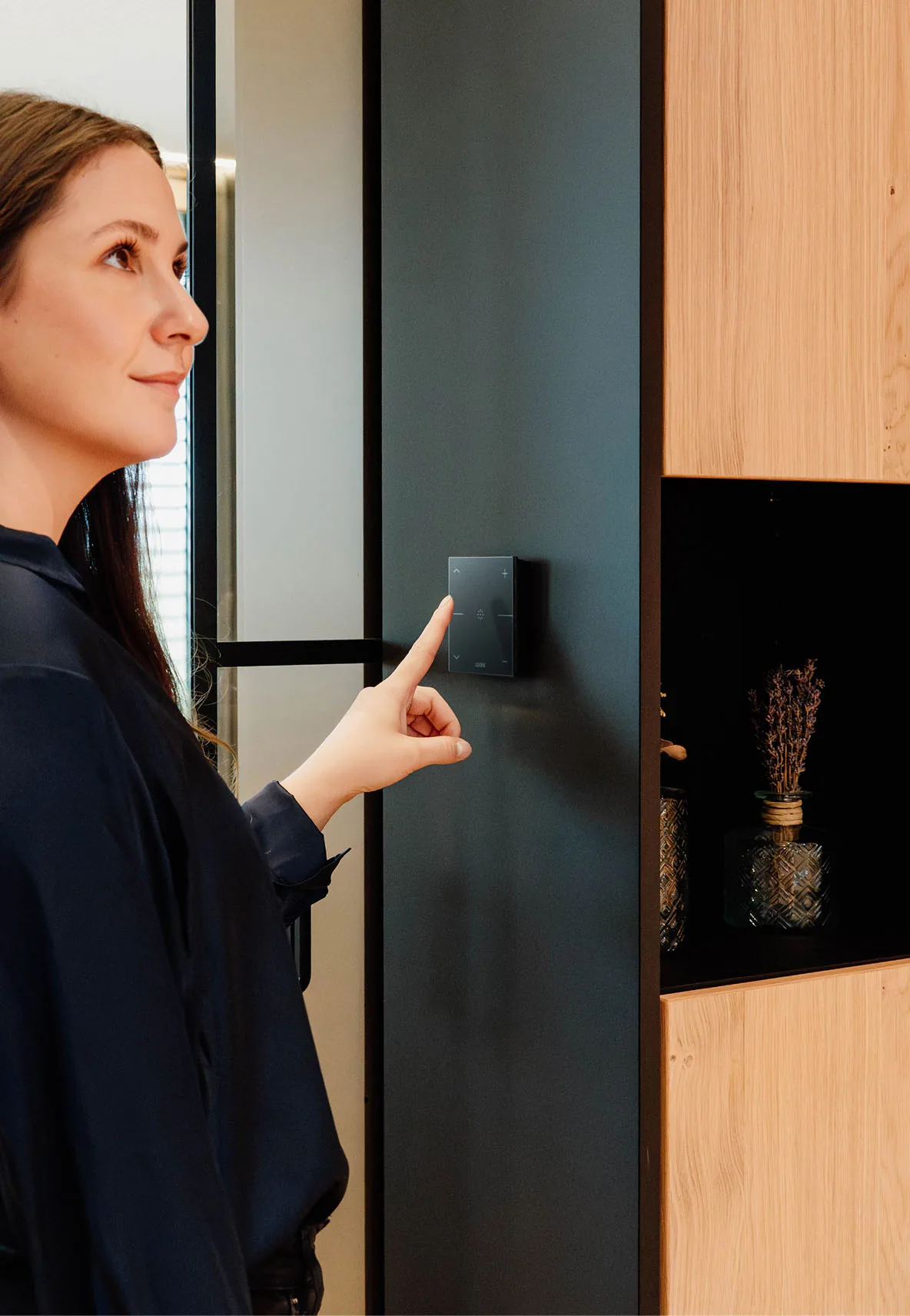
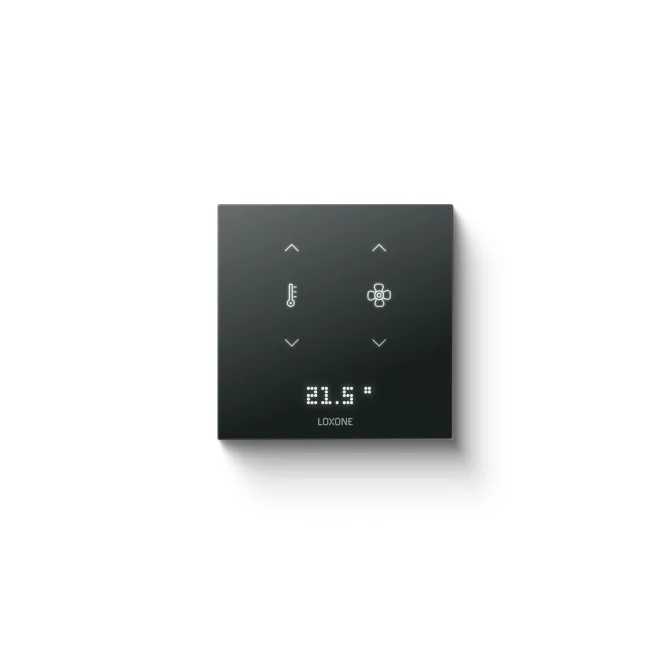
3 images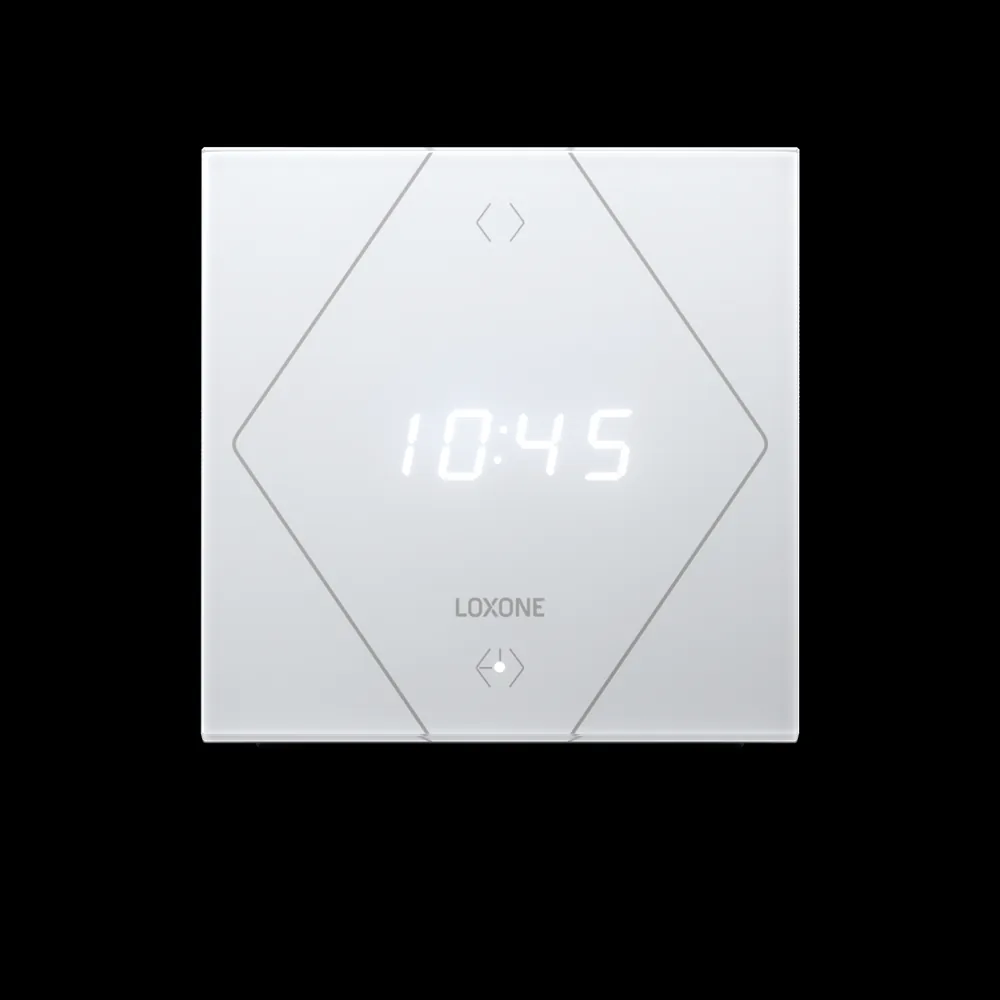
Frequently asked
01Do you supply locks or turnstiles?
No. We integrate access controllers, readers and door hardware supplied by access-control specialists. Our scope is the building logic around them.
02Can you integrate our existing access system?
If it exposes an API, an event stream or dry contacts, usually yes. The audit confirms the available events and the commands the controller permits.
03Can a door event turn on lights and HVAC?
Yes. A valid entry can set an occupancy scene for the zone; an exit or timeout can return it to standby. The response is configured per door and per zone.
04Does the platform store credentials?
No. Credential data stays in the access system. The platform receives door events and status, not cardholder records.
05Can we start read-only and add control later?
Yes. Monitoring, event-driven sequences and release commands can be commissioned in phases, each with its own test and acceptance record.
06How is a forced door handled?
The access controller raises the event; the platform routes the alarm, links the nearest camera and can trigger a zone response according to the agreed procedure.
07What about fire egress?
Fire egress and door release on alarm remain with the fire and access systems, designed to local code. The platform may monitor status but does not replace that function.
Next step
Bring us the building.
Tell us the building type, systems in scope and the outcome you need. We will map the shortest path to a working system.