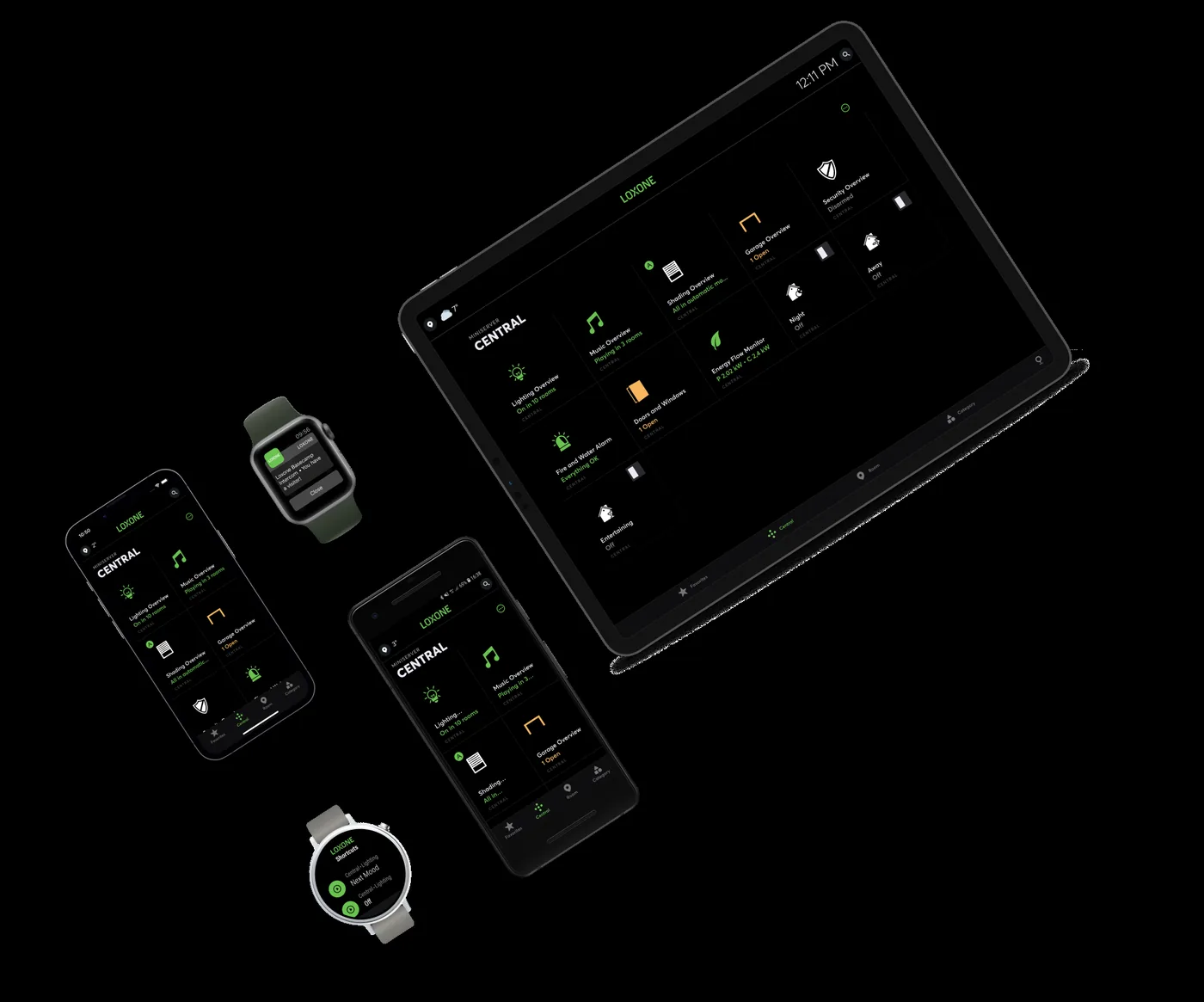
Loxone app
Loxone App and Remote Access — Local Control, Optional Cloud
How local app access and remote connectivity work on a Loxone system, how to design roles and security, and what still runs during an outage.
Quick answer
The app connects to the Miniserver over the local network and can also be reached remotely through a cloud service or a site VPN. Local schedules and logic keep running without the internet. Remote access should be a designed, role-based and audited path, not an open port, and cloud use should be a choice rather than a dependency.
Local first, by design
The normal path is simple: the app finds the Miniserver on the local network, authenticates the user and reads or writes points. Schedules, sequences and interlocks run on the controller, not in the app. That is why a failed internet link does not stop the building; it only stops remote visibility and control. This local-first model also keeps latency low for room control and reduces the data leaving the site. The design question is not whether the cloud is useful, but which functions must remain available when it is not. Write down which functions are considered critical, because that list determines where local control, independent alarms and backup power are required, and which functions may safely wait.
- Room control works on the local network
- Schedules and interlocks run on the controller
- Remote access is an additional path, not the base
Remote access without exposing the building
Remote access can be delivered through the vendor's cloud service, a site-to-site VPN or a managed remote-access appliance. Each has a different trust boundary. A cloud relay is convenient but depends on the provider and the WAN; a VPN gives the owner more control but needs network skills; a managed appliance can combine access control, logging and support. Whichever path is chosen, avoid direct port forwarding to the controller. Use least privilege, separate accounts, multi-factor authentication at the network edge, and a log of who changed what. Document the chosen path in the network diagram, including who holds the credentials and how access is revoked when a contractor or staff member leaves.
- Choose cloud, VPN or managed access deliberately
- Never expose the controller directly to the internet
- Log remote sessions that change setpoints
Roles, views and notifications
Not every user needs the same screen. An operator needs alarms, trends and a clear building overview. A technician needs points, parameters and diagnostics. A resident or tenant needs room scenes and a limited set of controls. Role-based views reduce mistakes and make training easier. Notifications should follow the same logic: route critical alarms to the responsible role, suppress nuisance repeats, and make acknowledgement visible. A well-designed app is not a smaller copy of the engineering tool; it is a role-specific view of the operating model. Test the views with real users before handover; a page that looks tidy in the office may be unreadable on a phone in a plant room, and that is where it will be used.
- Separate operator, technician and tenant views
- Route alarms by responsibility, not by device list
- Make acknowledgement and escalation visible
Security and resilience checklist
Treat the automation network as a separate zone from the office network. Document which ports and services are exposed, keep firmware current, disable unused services and change default credentials. Back up the project before remote work begins and record every remote session that changes a setpoint. Plan what happens when the WAN fails, when the cloud provider has an outage and when a user leaves the organisation. Remote access is an operational capability, so it needs an owner, a review cycle and an offboarding process, not just an app installed on a phone. Review remote accounts at the same time as fire and access lists, so the building's digital keys do not outlive the people who held them.
- Segment the automation network
- Keep firmware and credentials current
- Define a leaver process for remote accounts
Project images
3 images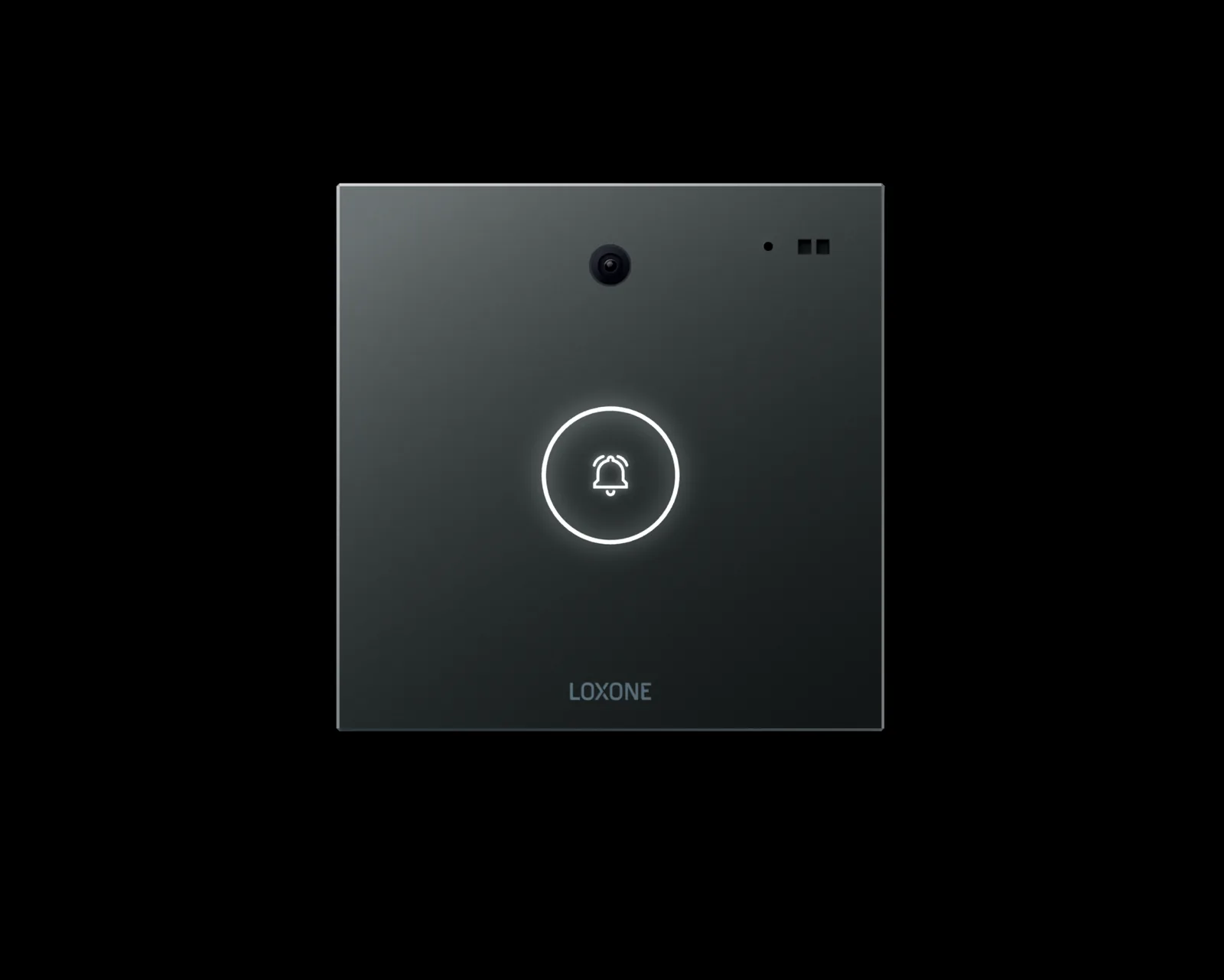
Frequently asked
01Does the app work without internet?
On the local network, yes. Remote access needs a network path; the building's local control continues regardless, because the logic runs on the Miniserver.
02Is a cloud connection required?
No. Cloud access is a convenience and a monitoring option. Local control and the project file stay on site, which is the foundation of the local-first model.
03Can tenants get their own access?
Yes, with role-based accounts limited to their rooms or floors. Keep tenant accounts separate from building operations accounts, and review permissions when tenancies change.
04What happens during a WAN outage?
Local automation continues. Remote commands, cloud reports and off-site alarms are unavailable until connectivity returns, so critical alarms need a local or independent path.
05How should remote access be secured?
Use a VPN or managed relay, least-privilege accounts, multi-factor authentication at the edge, firmware updates and session logging. Avoid exposing the controller directly to the internet.
Next step
Bring us the building.
Tell us the building type, systems in scope and the outcome you need. We will map the shortest path to a working system.