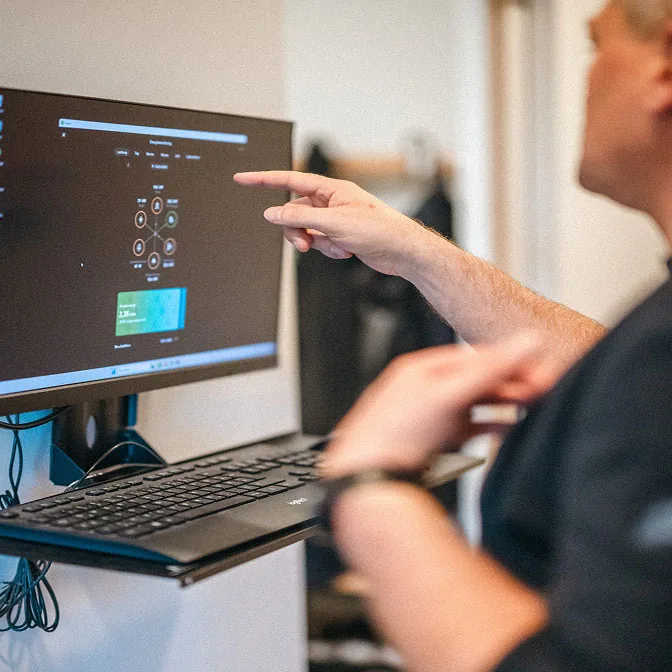
Loxone Config
Loxone Config Programming — Structure, Logic and Handover
How Loxone Config is structured, how to keep logic readable and testable, and what to hand over so another engineer can maintain the project.
Quick answer
Config is the engineering environment where the Miniserver project is built: rooms, functions, inputs, outputs, logic, schedules and user interfaces. Good programming is structured, named and documented, so another engineer can read it. It is not about writing clever blocks; it is about making building behaviour visible, testable and safe to change.
The project is a model of the building
Config organises work by room and function, not by a flat list of terminals. A room contains its lights, shading, climate and sensors; a function describes what the room does. That structure is the difference between a project that can be maintained and a pile of blocks that happens to work. Name points from the building's perspective, use consistent prefixes, and keep the room and function hierarchy aligned with the point schedule. When the naming drifts, every later task becomes slower: alarms, trends, graphics, handover and fault finding all depend on the same names. A useful check is to hand the project tree to someone who has never seen the site and ask them to find the third-floor meeting room without using search.
- Mirror the room schedule in the project tree
- Use one naming convention from day one
- Keep graphics and alarms on the same names
Logic in layers
Put simple behaviour close to the device: a light follows its switch, a valve follows its room setpoint. Put cross-room and cross-system behaviour in a clearly identified building layer. Put reporting and optimisation above that. This layering stops a small room change from rippling through the whole project, and it makes testing possible in slices. Use state machines for sequences with distinct states, rather than a nest of conditions that only its author understands. Document each non-obvious block with a short note: what it does, what triggers it, and what happens on sensor failure. If a block needs a paragraph to explain it, that paragraph belongs in the project notes beside the block, not in a separate document that nobody opens.
- Device, room and building logic stay separate
- Use state machines for multi-step sequences
- Comment every non-obvious block
Test evidence, not confidence
A project is not finished when the app looks right. Test inputs one by one, force sensor faults, check alarm routing, verify schedules across day types and confirm that overrides expire. Record the result against the point list, not in someone's memory. Test the failure path: what happens when a bus device disappears, a meter stops answering or the network drops. A short written test sheet is more valuable than a long demonstration, because it survives staff changes and makes the next service visit cheaper. Include the human path too: does the operator know what to do when an alarm appears at 02:00, and is that instruction in the handover pack rather than in the installer's head?
- Test every input and output against the point list
- Force faults and record the resulting state
- Verify schedules, overrides and alarm routing
Handover and change control
Hand over the project file, the software version, the backup, the network diagram, the point list and a change log. Protect the project with credentials that the owner controls, not credentials that leave with the installer. Agree how changes will be requested, tested and recorded. A small change to a schedule should not require a site visit if remote access and permissions are designed properly. The measure of good configuration is not how much logic was written; it is how confidently the owner's team can operate and modify the building after the engineers leave. A project that cannot be restored, explained and changed by someone else is not really handed over; it is only switched on.
- Owner-controlled credentials and licences
- A written change request and test process
- A restore test before the final handover
Programming layers
5 rows| Layer | What it contains | Test evidence |
|---|---|---|
| Device | Inputs, outputs and local fail-safe behaviour | Point-by-point input and output test |
| Room | Lighting, shading, climate and room scenes | Room scene and setpoint test |
| Building | Schedules, interlocks, alarms and energy logic | Sequence, alarm and failover test |
| User interface | App pages, touch controls and role views | Role-based access and usability check |
| Handover | Backups, versions, notes and change log | Restore test and as-built review |
Project images
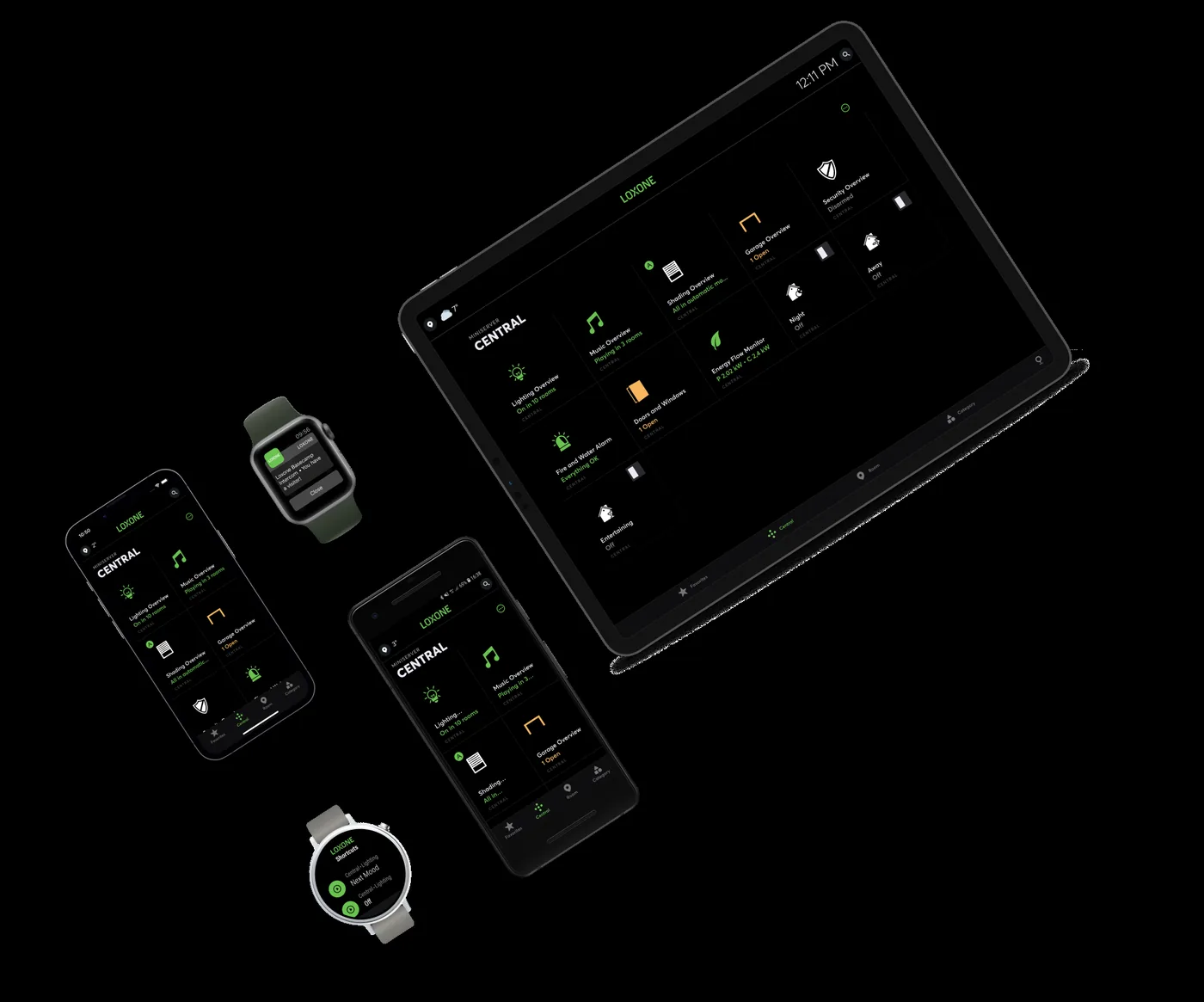
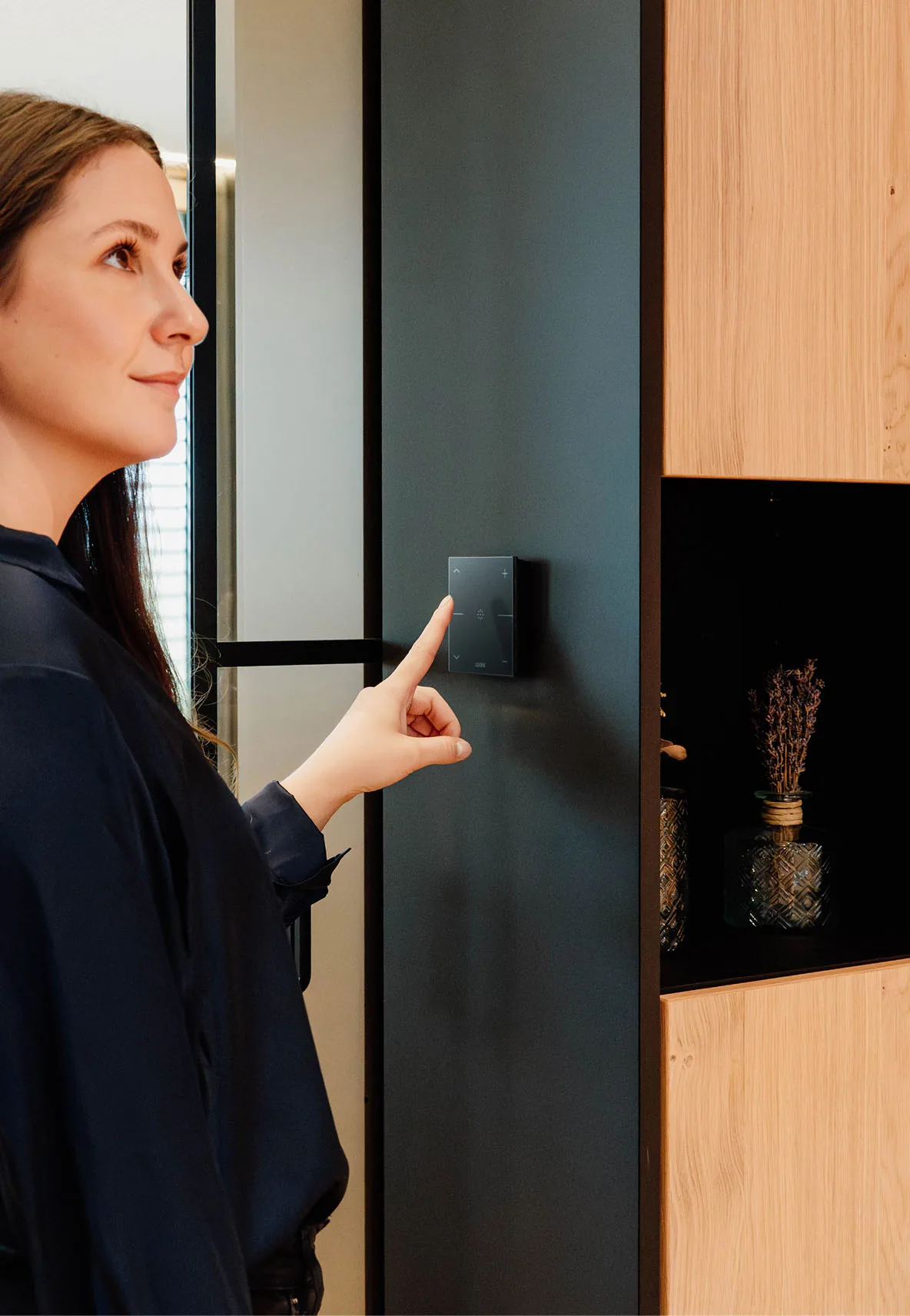
3 images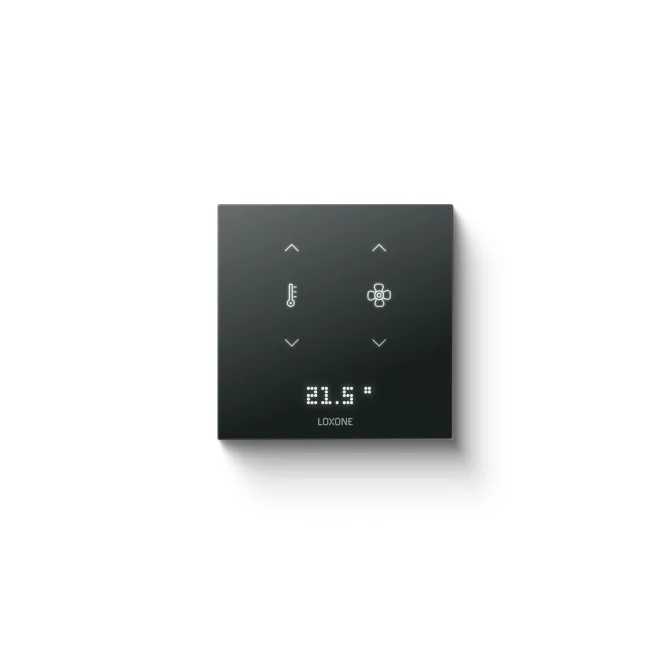
Frequently asked
01Is Config programming or configuration?
Both. It is a graphical environment, but the work is engineering: structure, logic, naming and testing. The distinction matters less than whether the result is readable and maintainable.
02Do I need to write code?
Most projects are built from native function blocks. Custom logic is available for special sequences, but it should be documented and justified, because it raises the skill needed to maintain the site.
03Can another integrator maintain the project?
Yes, if the project file, naming convention, notes and credentials are handed over properly. That should be a contractual requirement, not a favour after completion.
04How often should backups be taken?
Before and after every change, and at handover. Store a copy off the controller and test that it restores. An untested backup is only a hope.
05Can the app be customised per user?
Yes. User pages and permissions can be structured by role, so operators, technicians and residents see different levels of detail and different controls.
Next step
Bring us the building.
Tell us the building type, systems in scope and the outcome you need. We will map the shortest path to a working system.