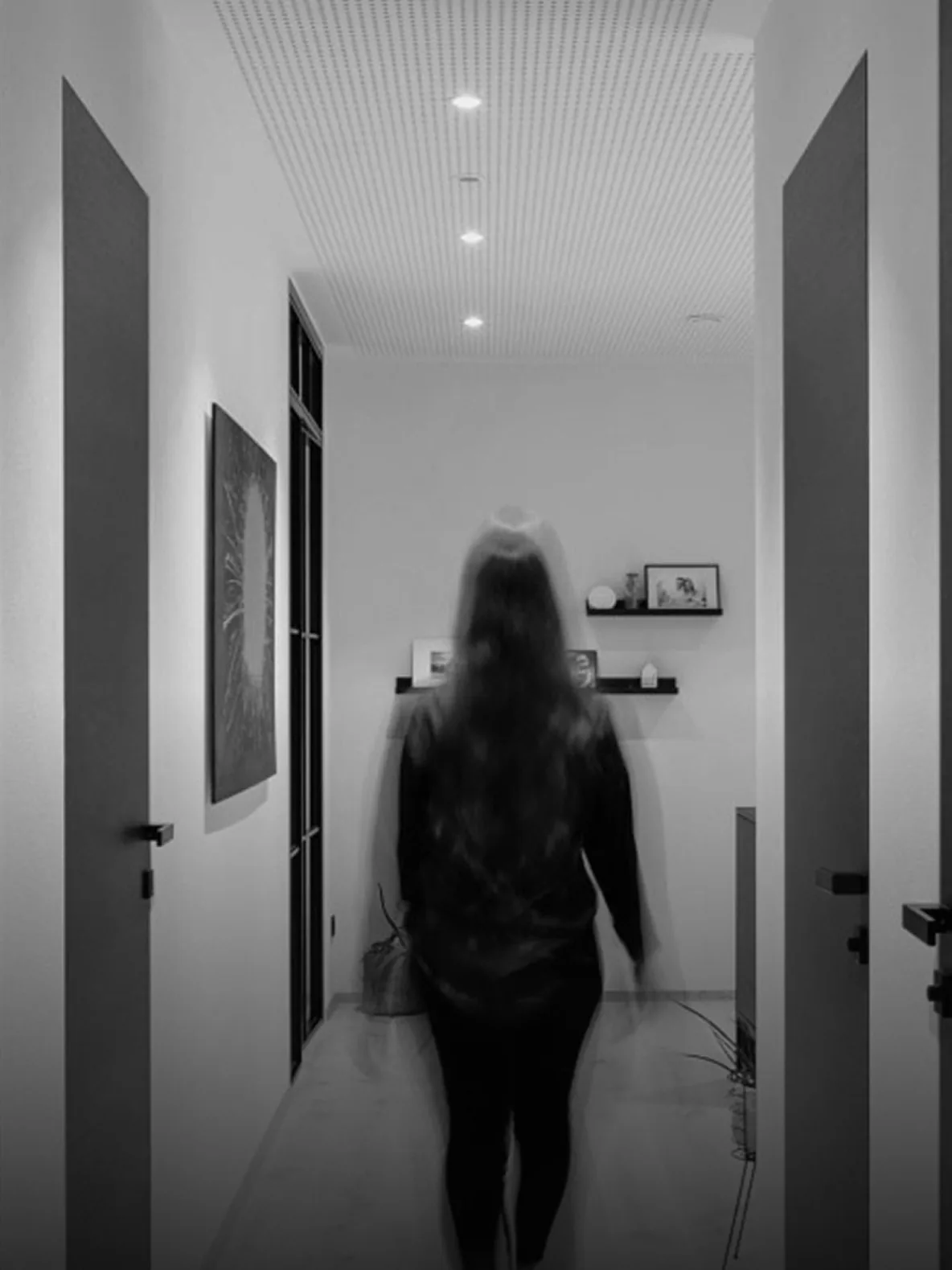
Protocols · DALI
DALI Lighting Control — From Driver to Scene
How DALI addresses and dims luminaires, how it connects to building automation, and what commissioning evidence a lighting installation should leave behind.
Quick answer
DALI is a digital lighting bus that addresses individual luminaires, dims them, stores scenes and reports driver faults. A DALI controller or gateway links the lighting bus to the building automation system. Good DALI delivery depends on address planning, group design, scene levels and a commissioning record, not only on installing dimmable drivers.
What DALI gives the building
DALI turns a lighting circuit into addressable devices. Each luminaire or driver can be switched, dimmed and queried individually. Scenes and fade times are stored in the system, occupancy and daylight sensors can modulate output, and a failed driver can report a fault instead of waiting for a complaint. That feedback is the underrated part: it turns lighting maintenance from a walk-round into a work order. DALI is a lighting protocol, so it belongs with the lighting design, even when the control logic sits in the building automation system. The bus also makes lighting behaviour measurable, which is useful when a tenant asks why a floor feels different from the one below.
- Individual addressing, not just circuit switching
- Fault feedback changes the maintenance model
- Keep it part of the lighting design
Addresses, groups and scenes
A DALI line has a limited address space and a power budget, so the design has to decide how devices are grouped before commissioning. Short addresses identify individual devices; groups allow a floor, a façade or a room to respond together; scenes store levels for a space. Keep the address plan aligned with the lighting design and the room numbering. Label drivers and luminaires physically as well as digitally. When the plan and the ceiling disagree, every future change becomes a site survey. A printed address list taped inside the lighting panel is worth more than a file nobody can find during a service call, provided it matches the as-built.
- Plan addresses before commissioning
- Align groups with rooms and façades
- Label drivers physically as well as digitally
Integration with the automation layer
The automation system usually talks to a DALI controller over IP, serial or a fieldbus. The controller owns the DALI line and exposes scenes, groups, levels and fault status. Decide where the schedule lives: in the DALI controller, in the automation controller or in the supervisor. One owner is enough. Map occupancy and daylight sensors deliberately, with hysteresis and hold times, so the lights do not chase every cloud. Keep emergency lighting testing separate from scene control, even when both share a bus. The DALI controller should expose a clear fault state for each group, so the operator can tell a failed lamp from a failed bus before sending someone to the ceiling.
- One owner for the lighting schedule
- Use hysteresis and hold times for sensors
- Keep emergency testing separate
Commissioning evidence
Commissioning should produce an address list, a group schedule, scene levels, fade times and a fault test. Walk the space at night or with blinds closed to check glare and uniformity. Test the failure path: a disconnected driver, a lost bus segment, a controller reboot. Check that the app and the wall controls show the same state. Hand over the address plan and the scene sheet, not just a working switch. Lighting is the most visible system in the building, so its commissioning record is also the owner's first impression of the automation. If the scene sheet and the ceiling disagree, the ceiling wins; update the sheet before the next change, not after the next complaint.
- Walk the space with blinds closed
- Test driver, segment and controller failure
- Hand over address and scene sheets
DALI design decisions
6 rows| Decision | Why it matters | Evidence at handover |
|---|---|---|
| Address plan | Every device needs a unique identity | Address list matched to room numbers |
| Group structure | Groups drive scenes and floor behaviour | Group schedule reviewed with the lighting designer |
| Scene levels | Comfort and energy depend on set levels | Scene sheet with measured illuminance where required |
| Fade times | Perceived quality and dimming stability | Tested fade profile per scene |
| Sensor mapping | Occupancy and daylight should not fight | Hold time, hysteresis and override record |
| Fault reporting | Maintenance depends on reliable feedback | Simulated driver and bus fault test |
Project images
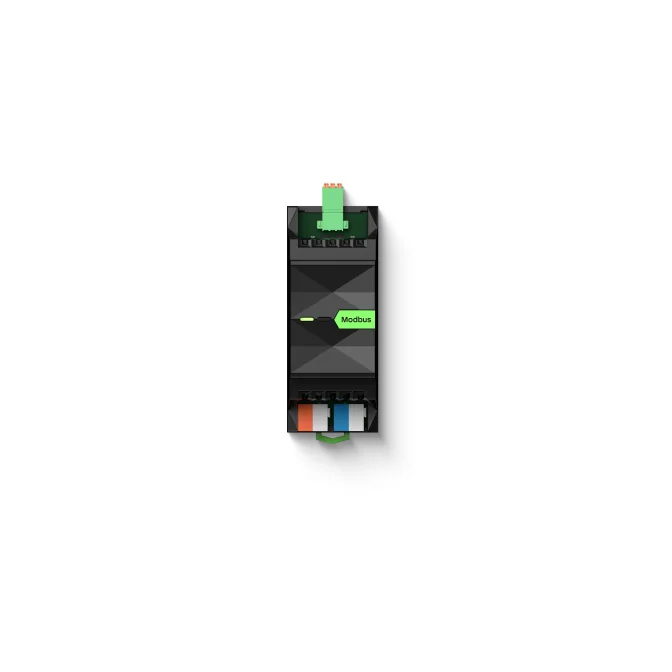
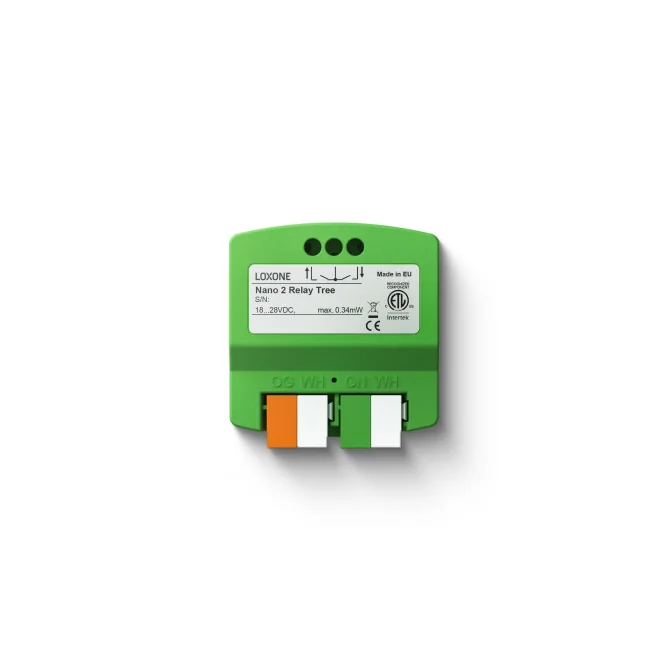
3 images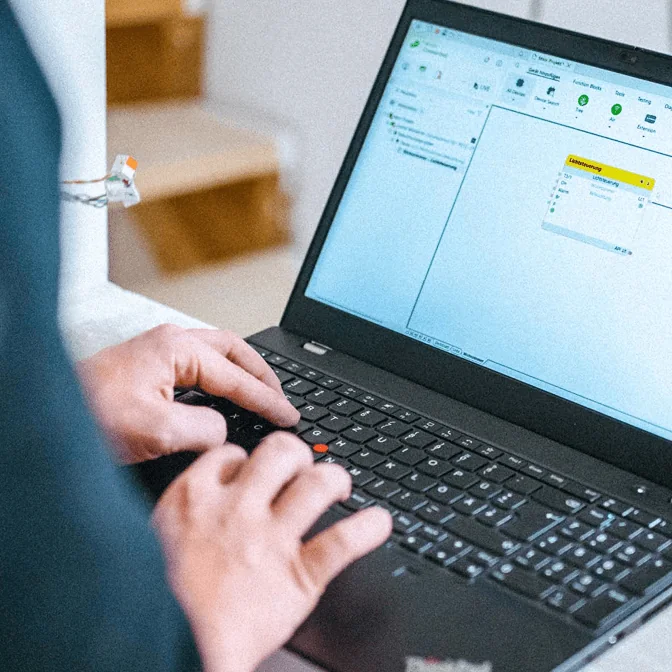
Frequently asked
01DALI or 0-10 V?
DALI addresses individual devices and reports faults; 0-10 V is simple and common on older gear. Choose by the luminaire and the maintenance model.
02Can DALI and KNX coexist?
Yes. KNX can handle room control and scene selection while a DALI controller manages the luminaires. The gateway or controller maps the two.
03How many luminaires fit on one DALI line?
The address space and power budget are finite. The exact number depends on driver current and controller design, so it must be calculated for the project.
04Does DALI report failed lamps?
DALI drivers can report status and faults, but the quality of that reporting depends on the driver and the controller. Test it rather than assuming it.
05Can we keep existing DALI drivers?
Often yes, if they are addressable and compatible with the chosen controller. The audit should confirm addressing and dimming behaviour before reuse.
Next step
Bring us the building.
Tell us the building type, systems in scope and the outcome you need. We will map the shortest path to a working system.