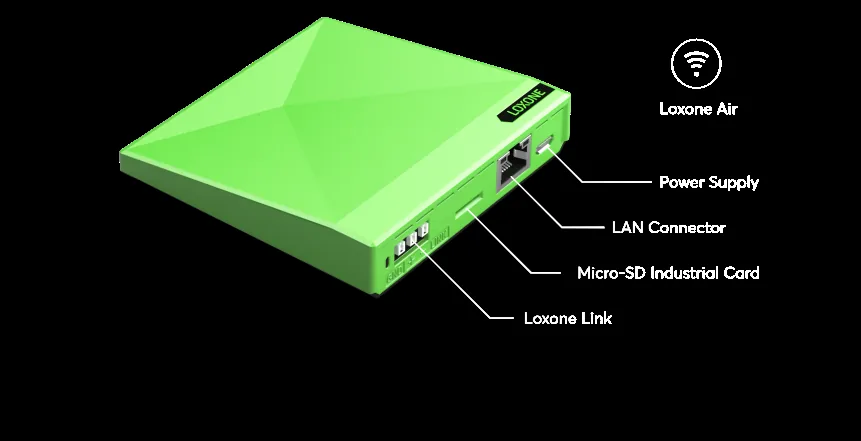
Protocols · Gateways
Gateway Selection for Building Automation — A Decision Guide
When a gateway is necessary, how to specify one, where to place it, and how to keep its configuration maintainable after handover.
Quick answer
A gateway translates between a field protocol and the automation system. Specify one only when a native interface is unavailable, and choose it by protocol support, point capacity, polling behaviour, configuration tool, firmware policy and network placement. Keep gateways close to their devices, avoid cascading them, and record their configuration as part of the as-built system.
What a gateway adds and costs
A gateway is a translator with memory, a processor and usually a configuration tool. It maps one protocol's addresses to another's points, may poll field devices, and may buffer or scale values. That convenience has a cost: latency, a new firmware surface, a configuration file that can drift and a device that can fail. The first design question is therefore not which gateway to choose, but whether a gateway is necessary. Many BACnet/IP and Modbus TCP devices can be reached natively. A gateway is justified when the protocol, topology, licensing or device count requires one. A gateway that is not in the drawing is not in the design; it is an undocumented dependency with a power supply.
- Ask whether a native interface exists first
- Count the latency and failure point honestly
- Justify the gateway in the interface matrix
Selection criteria that matter
Start with the protocol pair and the number of points, then check the details that datasheets hide: supported object or register types, maximum poll rate, COV or event support, write permissions, time synchronisation, diagnostic counters and how the gateway behaves when a field device disappears. Confirm the configuration tool, the licence model and the firmware update path. Ask whether the vendor publishes a protocol conformance statement and whether spare units are available. A gateway that cannot be configured by the owner's team becomes a permanent dependency. A stronger proof is a short pilot with the real device and the real point count, not a datasheet comparison held in a meeting room.
- Check object or register support, not just protocol names
- Confirm diagnostics and failure behaviour
- Ask about spares, licences and firmware
Placement and network design
Put the gateway close to the devices it serves, on a documented network segment with a fixed address. Avoid daisy-chaining gateways or routing one protocol through another unless there is no alternative; each hop adds latency and another place for naming to break. Give the gateway a clear name, record its serial number, firmware and configuration backup, and decide whether it is powered from a UPS. If the gateway sits in a plant room, protect it from heat, dust and accidental power cycling. Physical placement is part of the integration design. Label the gateway, its ports and its power source; a future technician should not need to trace cables to identify it.
- Place it near the field devices
- Use a fixed address and a documented VLAN
- Protect it from heat and accidental power loss
Testing and lifecycle
Test the gateway as a system component, not as a box that lights up. Read every point, write the writable ones, pull the field cable and confirm the failure state, reboot the gateway and check recovery, and verify that time and units survive. Record diagnostic counters before and after. Plan firmware updates and configuration backups as maintenance tasks. When a gateway is replaced, the point list and naming should remain stable. A good gateway is boring: it translates reliably, reports its own health and does not require a specialist every time a device changes. A spare gateway on the shelf is cheaper than a week of waiting for a replacement with the wrong firmware.
- Test read, write, fault and recovery
- Back up configuration before firmware changes
- Keep point names stable across replacement
Gateway selection matrix
7 rows| Interface | Typical gateway | Placement | Main risk |
|---|---|---|---|
| KNX | KNX IP interface or gateway | Near the KNX power supply or floor panel | Group-address mapping and ETS ownership |
| BACnet MS/TP | BACnet router or gateway | At the start of the serial segment | Baud rate, termination and object support |
| BACnet/IP | Native interface or gateway | On the BMS VLAN | BBMD, object list and write priority |
| Modbus RTU | Serial gateway | Near the RS485 segment | Termination and polling budget |
| Modbus TCP | Native interface or protocol converter | On the automation VLAN | Register mapping and connection limits |
| DALI | DALI controller or gateway | In the lighting panel | Address plan and driver compatibility |
| Dry contact | I/O module | In the controlled panel | Voltage, isolation and fail-safe state |
Project images
3 images
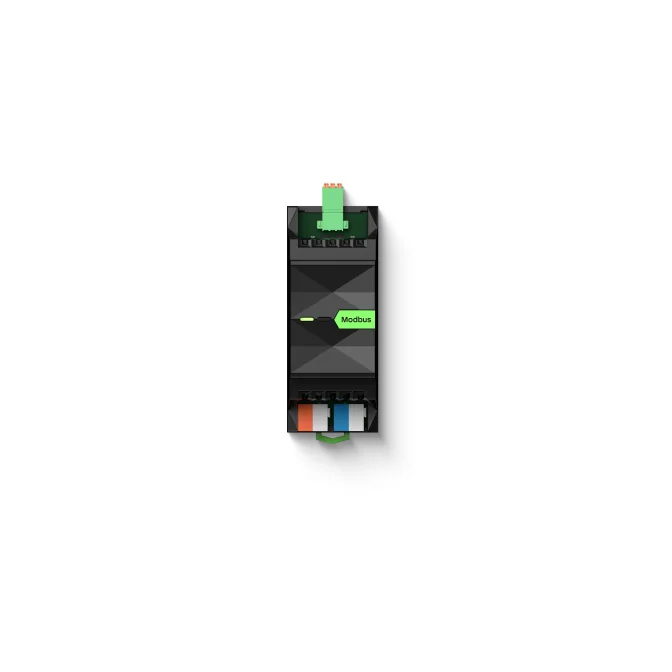
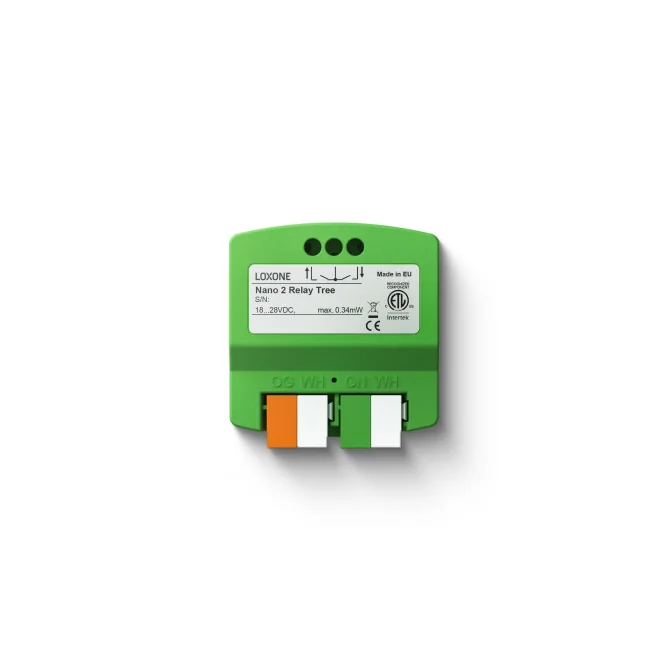
Frequently asked
01Do I always need a gateway?
No. Use a native interface when the device and controller both support it. A gateway is justified by a protocol or topology gap.
02Can one gateway handle KNX and BACnet?
Some multi-protocol gateways exist, but they concentrate risk. Separate gateways are often easier to test, replace and document.
03Where should a gateway be installed?
Close to the field devices it serves, in a protected enclosure with a documented network address and power source.
04Does a gateway add latency?
Yes, especially when it polls. Check whether the sequence can tolerate the update interval and whether events or COV are supported.
05Who should own the gateway configuration?
The party responsible for the interface should own it, but the owner needs a backup, a licence and a documented recovery path.
Next step
Bring us the building.
Tell us the building type, systems in scope and the outcome you need. We will map the shortest path to a working system.