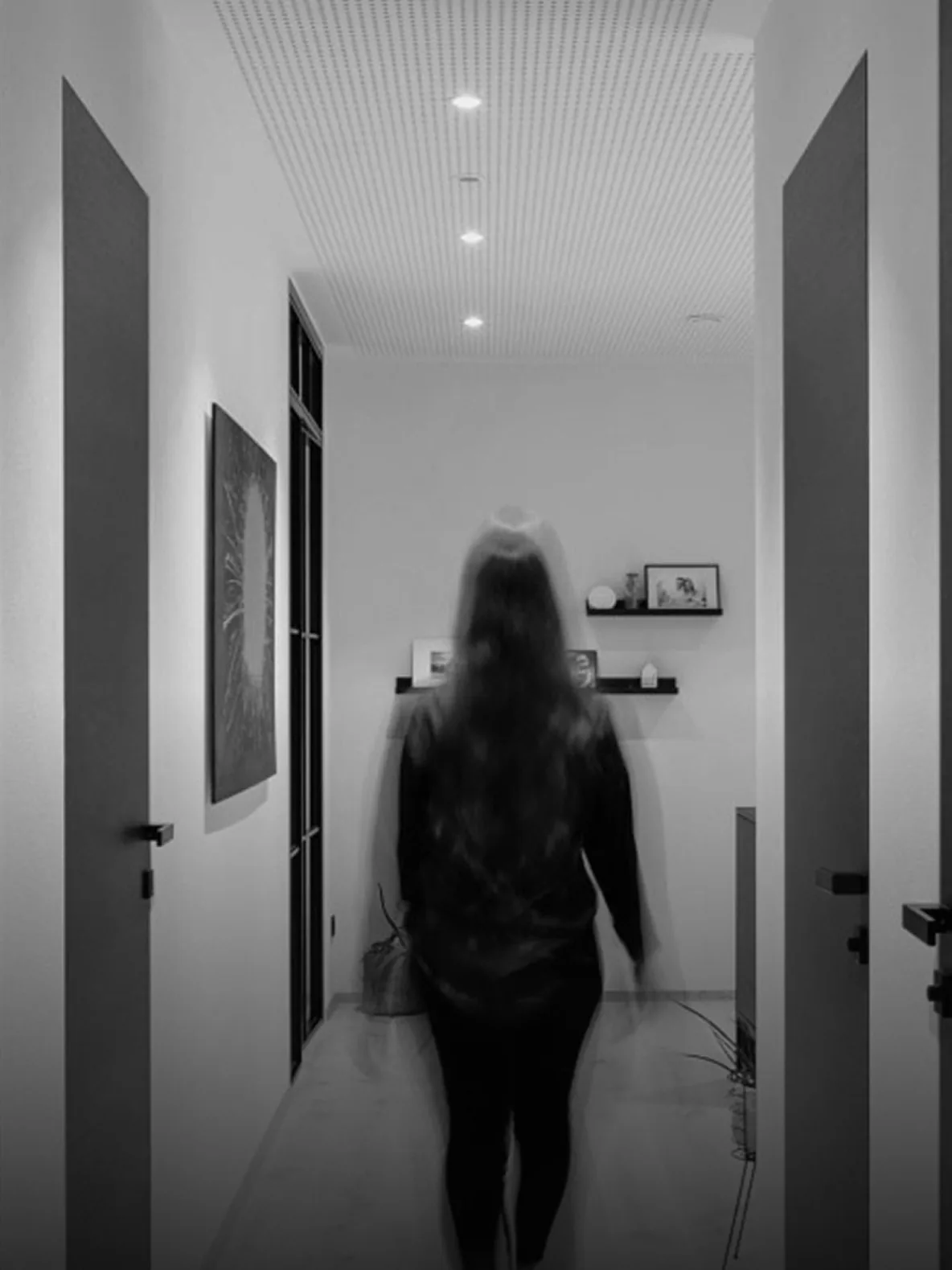
Lighting control
Lighting Control for Commercial Buildings
Lighting control for commercial buildings: DALI, presence and daylight control, scenes, schedules, monitoring and fault finding on one platform.
What a lighting control system covers
A lighting control system is the layer that decides when light is on, how much is delivered and which areas work together. It covers switching, dimming, scene recall, presence detection, daylight harvesting and after-hours operation across corridors, offices, meeting rooms, retail floors, car parks and façades. The design question is not which protocol is fashionable. It is how the space is used, who needs control, and what should happen when a sensor fails or a network link drops. A good system is legible to the occupant, the facility team and the electrician who will maintain it. The interface should make the current state obvious without a manual or a call to the integrator. That test, whether a stranger can explain what the lighting is doing, is more useful than a feature list. It should also show which zone is being overridden and by whom, because untracked overrides are how a tuned scheme drifts back to full output.
- Switching, dimming and scene recall by zone
- Presence, daylight and after-hours operation
- Local control that remains usable without the network
Design inputs: tasks, standards and space
Lighting design starts with the task, not the luminaire. An office desk, a hospital corridor, a retail display and a car park ramp need different illuminance, uniformity and colour rendering. As a typical planning reference, offices sit around 300 to 500 lux on the task plane, corridors around 100 to 150 lux, and retail displays considerably higher; local codes and the lighting design govern the final values. Control design then asks how those levels change through the day and who is allowed to change them. Occupancy patterns, glazing orientation, blind operation and fit-out changes all affect the result. A control scheme copied from another building will often over-light some areas and under-light others. The design should record the target levels, the dimming range of the fittings and the expected scene states, so commissioning has something to measure against.
- Task illuminance and uniformity recorded before control design
- Typical office and circulation levels confirmed against local code
- Dimming range and scene targets documented for commissioning
DALI in practice
DALI is the most common digital interface for commercial luminaires. A single line addresses individual drivers, so a fitting can be dimmed, grouped and monitored without rewiring the circuit. DALI also reports driver status, which turns a lamp failure from a complaint into a work order. A line typically addresses 64 drivers or control devices, and cable length and voltage drop limit the practical layout; those figures come from the standard and the driver documentation, not from a rule of thumb. Design discipline matters: address the line before commissioning, record the fitting-to-address map, and keep emergency and normal lighting on a clearly documented arrangement. Where DALI-2 sensors and control devices are used, interoperability declarations should be checked rather than assumed. Where the existing installation is 0-10V, relay-switched or DALI, the control layer should meet it where it is rather than force a wholesale replacement.
- Individual addressing, grouping and dimming
- Driver feedback for fault finding
- A documented fitting-to-address map at handover
Presence, daylight and constant light
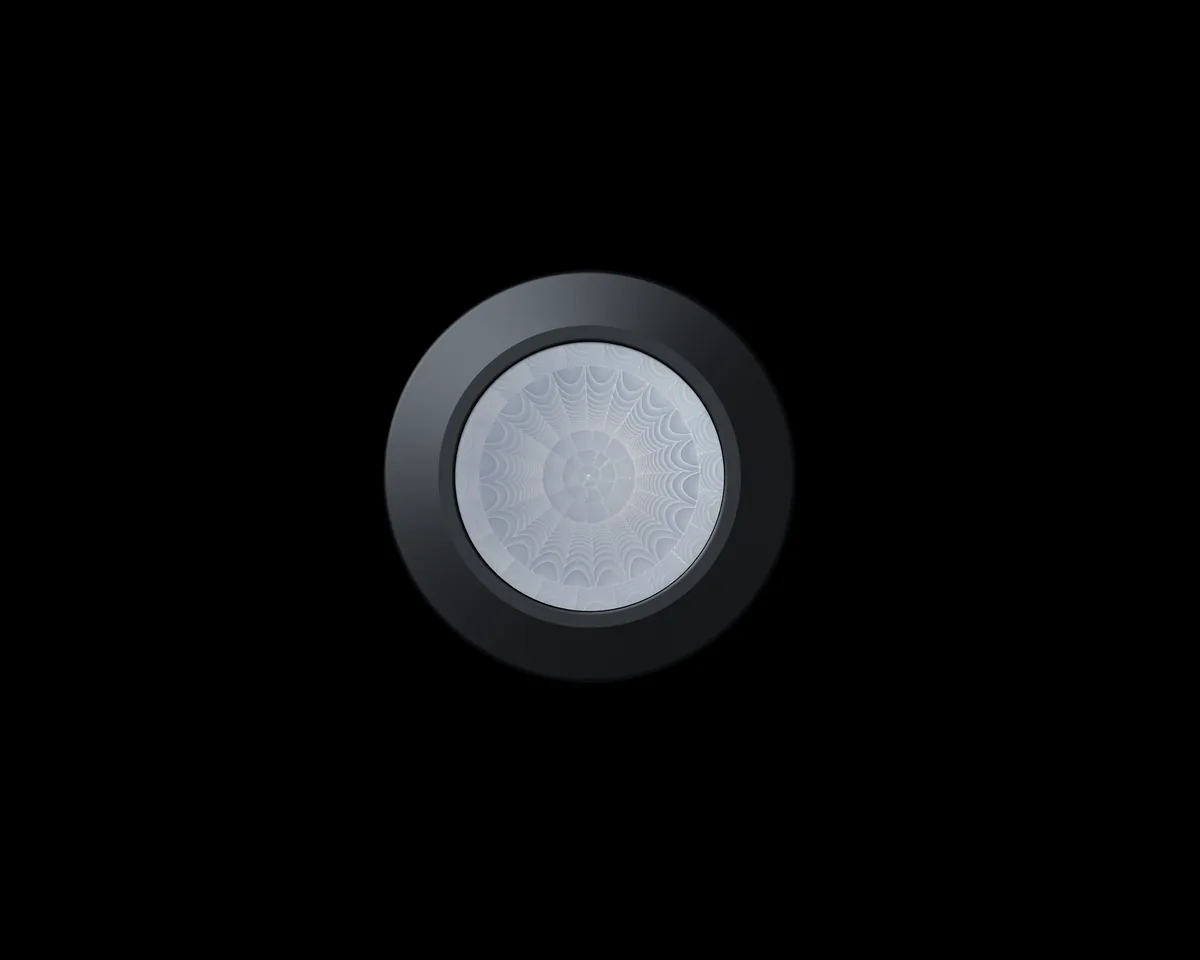
Presence detection and daylight control are the two functions that most often justify the investment. Presence sensors switch or dim a zone when occupancy is detected and restore it after a hold time, typically five to fifteen minutes depending on the space. Daylight sensors hold illuminance at a target by dimming artificial light as daylight increases. Both need commissioning: sensitivity, hold time, deadband and the relationship between sensor coverage and zone boundaries. A sensor that sees the corridor through a glass wall will keep an empty room lit. A daylight sensor pointed at a façade will over-dim the room behind it. Commissioning should include a walk test with the actual furniture layout, since a plan-view sensor drawing rarely matches the installed space. The sequence should fail safe, with a manual override at the local control point, and the design should state whether absence detection or presence detection is intended, because the two behave differently in a room that is briefly empty.
- Occupancy-based switching and dimming
- Constant illuminance with a defined deadband
- Sensor coverage matched to zone boundaries
Scenes, schedules and circadian settings
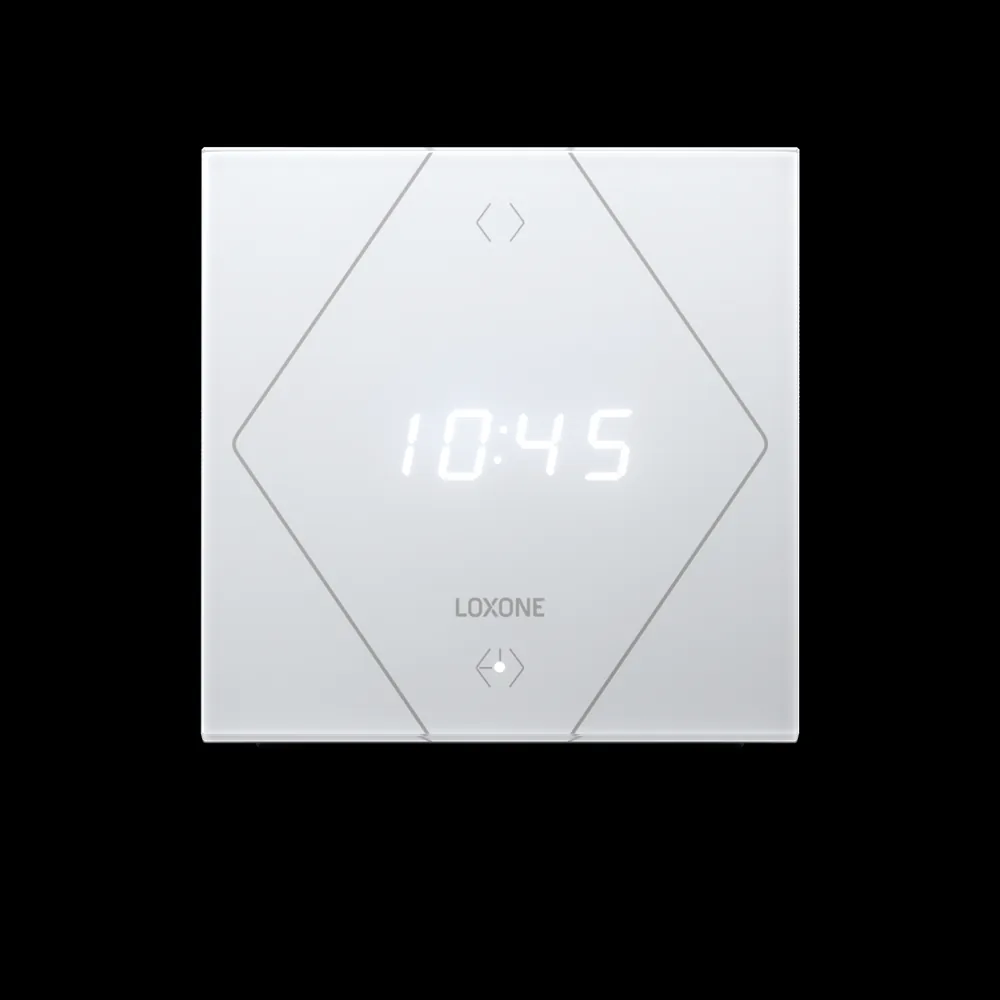
Scenes turn a group of settings into one instruction: presentation, cleaning, closing, security. Schedules handle the predictable part of the week, while the astronomical clock adjusts for sunrise and sunset. Circadian tuning changes colour temperature and intensity through the day, but it should be a deliberate choice with a bypass, not a hidden default. After-hours control needs a clear policy: local switching, a timed grace period, or a request through the app. The operator should be able to see which schedule is active and why a light is on, without opening a programming tool. Too many scenes is a common failure: a panel with twenty buttons is operated with the same three, and the rest become folklore. A small, well-named set, reviewed with the people who use the space, survives longer than a comprehensive list nobody remembers.
- Named scenes for repeatable room states
- Weekly schedules with astronomical correction
- A visible bypass for circadian settings
Monitoring, faults and maintenance
Once lighting is on the network, it becomes measurable. The platform can report run hours, driver faults, scene overrides and zone consumption. That data supports maintenance planning and exposes behaviour that a monthly electricity bill hides: a store room lit all weekend, a façade scene running at midday, a driver failing repeatedly. Alarms should be grouped by location and priority, not delivered as a raw device list. The same point names should appear in the drawing, the panel schedule and the dashboard, so a fault can be traced from the screen to the fitting without guesswork. Fault reporting also changes the maintenance contract: the electrician arrives with the right driver and the right address instead of tracing a circuit for an hour. That saving is rarely counted, but it is one of the clearest operational returns.
- Run hours and driver faults by fitting
- Zone consumption and override history
- Alarms grouped by location and priority
Commissioning, handover and aftercare
Commissioning is where a lighting scheme becomes a working system. Each circuit is proved, each address is confirmed, each sensor is walked and each scene is recalled in the presence of the operator. Daylight sensors are calibrated at two light levels, not one. Emergency fittings are tested under the local regime, and the results are recorded separately from normal operation. Handover includes the address map, the scene list, the schedule, the panel drawings, the configuration backup and the operating guide. The occupant interface should be demonstrated, not just installed. A post-occupancy review after the first season is worth scheduling, because daylight behaviour and opening hours rarely match the design assumptions. The maintenance team should know which address belongs to which fitting before the first fault, not after it. Adjustments made then should be recorded as a new version of the scene list.
- Every circuit, address, sensor and scene proved on site
- Daylight sensors calibrated at two light levels
- Post-occupancy review after the first season
Lighting control layers and technologies
14 rows| Layer | Typical technology | What it handles | Design and commissioning note |
|---|---|---|---|
| Local switching and dimming | Relay, 0-10V, phase-cut | Small zones and simple dimming | Keep a local override and check minimum load |
| Digital luminaire control | DALI / DALI-2 | Individual addressing, dimming and driver feedback | Record the address map and confirm line loading |
| Emergency lighting monitoring | DALI emergency, self-contained | Status monitoring and test records | Keep test reporting separate from normal scenes |
| Scene and room control | Panels, app, KNX | Scene recall and room grouping | Limit the scene count and name each one clearly |
| Presence detection | PIR, HF sensors | Occupancy-based switching and dimming | Match coverage to the zone and set the hold time |
| Daylight control | Lux sensor, façade sensor | Constant illuminance | Avoid direct sun and calibrate at two levels |
| Scheduling | Controller, astronomical clock | Time and sunrise/sunset control | Document exceptions and holiday calendars |
| Façade and architectural lighting | DALI, DMX gateway | Scenes, colour and curfew | Agree the curfew and avoid nuisance to neighbours |
| Car park and circulation | Presence sensors, DALI, relays | Two-level dimming and wayfinding | Check escape route lighting and sensor coverage |
| Network and gateways | IP network, DALI gateway, KNX gateway | Cross-system control and monitoring | Document addressing and offline behaviour |
| Monitoring and dashboards | Platform, gateway | Faults, run hours and consumption | Use consistent point names across drawings and screens |
| Fault and maintenance workflow | Platform alarms, work orders | Driver faults and recurring failures | Route alarms by location, not by device list |
| Energy reporting by zone | Sub-metering or DALI estimation | Consumption and baseline comparison | State whether figures are metered or estimated |
| Integration with BMS and IBMS | BACnet, Modbus, API | Alarms, scenes and occupancy signals | Define which system owns each command |
Project images
3 images
Frequently asked
01DALI or 0-10V?
DALI supports individual addressing and driver feedback, which suits spaces that need grouping, scenes and fault monitoring. 0-10V is simpler and suits circuit-level dimming, but offers no device-level diagnostics. The choice depends on the fittings, the existing wiring and the maintenance model, not on which protocol sounds more modern.
02Can we keep our existing luminaires?
Yes, provided the drivers and control interface match. Relay, 0-10V and DALI fittings can all be integrated, but each circuit needs confirmation; do not assume an existing driver supports digital dimming. A sample fitting should be tested before the scope is fixed, because driver behaviour varies more than datasheets suggest.
03How many fittings can one DALI line carry?
A DALI line can typically address 64 drivers or control devices. The practical number also depends on power supply, cable length and driver current. Leave headroom in the design and treat the address schedule as a handover document. Splitting a line early is cheaper than diagnosing intermittent behaviour caused by an overloaded bus.
04Do we need sensors in every room?
Not necessarily. Sensors should follow controllable zones, not room count. Open floors, meeting rooms, corridors and car parks need different coverage logic, and commissioning matters more than the number of devices. A smaller number of correctly placed and correctly tuned sensors usually performs better than a dense network nobody has walked.
05Does lighting still work if the network is down?
Yes. Local controllers retain switching, dimming, scenes and schedules; the network affects central monitoring and cross-system links. The design should state exactly which functions remain available offline, and the commissioning test should include a network failure with the operator present, not just a review of the drawing.
06Who changes the scenes after handover?
Either the client's team, after training on the configuration tool, or our engineers under a change request. In both cases the scene list and its version history should be retained. A scene change that is not recorded becomes a difference between the drawing and the building, which is exactly what the next maintenance visit has to untangle.
07Is emergency lighting included?
Where the emergency luminaires support monitoring, their status and test records can be shown on the platform. Testing regimes and compliance remain subject to local requirements, and the fire system keeps its authority. Monitoring does not replace the periodic physical test or the responsible person's sign-off.
Next step
Bring us the building.
Tell us the building type, systems in scope and the outcome you need. We will map the shortest path to a working system.