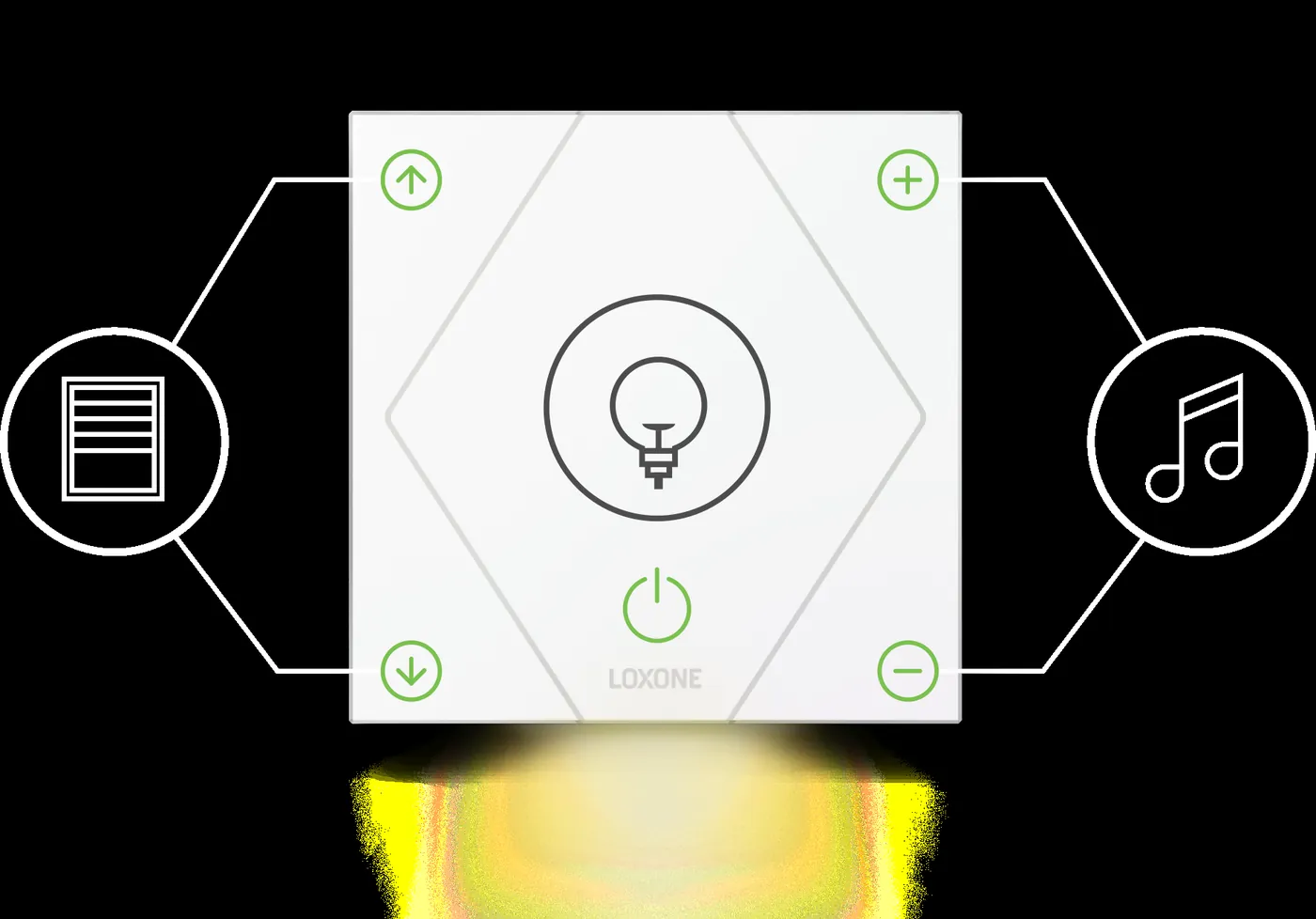
Comparison
Loxone vs KNX
A practical comparison of Loxone and KNX: where logic runs, how devices are wired, how changes are made and when a hybrid design makes sense.
Two architectures in one sentence
KNX distributes intelligence to the devices. A presence sensor, dimmer actuator, shutter actuator and push-button each have their own bus connection and application. They exchange group addresses over a twisted-pair bus, and any commissioned device can act on a telegram without a central controller. Loxone centralises logic in a controller. The Miniserver reads inputs, runs the programme and drives outputs; devices connect through Tree, Air, KNX, Modbus or IP. This difference explains most of the practical trade-offs that follow. It also explains why the two systems fail differently: a KNX installation can keep working device by device when a supervisor is lost, while a Loxone installation depends on the controller and its backup. Neither model is a religion; each imposes a different discipline on design, testing and documentation. The right question is where the logic should live for the life of the building.
- KNX: distributed devices, group-address telegrams
- Loxone: central logic, local controller, multi-protocol devices
- Both can coexist on the same project
Wiring, topology and device limits
A KNX installation is a bus: devices are daisy-chained or star-wired on the same pair, with a power supply and a coupler between lines and areas. Protocol reference: a line supports up to 64 bus devices and an area up to 15 lines, so topology and spare capacity need planning rather than improvisation. It is predictable and well suited to new-build projects with a clear device schedule. Loxone Tree uses a single cable that carries power and communication to Tree devices, which reduces home runs but ties the device selection to the Tree ecosystem. Air covers retrofit and hard-to-wire locations. In practice a hybrid design is common: KNX for lighting and shading, Tree or Air for room controls, and a controller for cross-system logic. The topology should be drawn before the first cable is pulled. Bus length, power supply headroom, coupler placement and spare devices matter more than the label on the cable.
- KNX bus: line, area and coupler planning
- Tree: one cable for power and data
- Air: retrofit and difficult routing
- Hybrid: protocol chosen by device, not ideology
Programming, change control and versioning
KNX engineering happens in ETS. Every device has an application programme, parameters and group addresses; a change is made by downloading the device again. The model is explicit and portable, but it depends on the ETS project and the group-address discipline. Loxone engineering happens in Loxone Config. Logic is built as function blocks and connections on the controller, which makes cross-system sequences faster to read and change, but the logic is tied to that controller configuration. Neither model is inherently better; they fail in different ways. A KNX project without its ETS file is difficult to change safely. A Loxone project without a versioned Config backup is equally fragile. Both need as-built records, a change log and a named person who can approve a download. The practical test is simple: can a competent third party understand the change, make it and roll it back?
- KNX: ETS project, device parameters, group addresses
- Loxone: Config project, function blocks, links
- Versioned backups for both
- Named approver for downloads
Gateways and interface selection
Gateways decide how much of one system the other can see. A KNX IP interface exposes group addresses to a controller; a KNX IP router joins lines and areas and can carry routing as well as tunnelling. The choice affects capacity, latency, diagnostics and the number of concurrent connections. Ask how many group addresses the interface can export, whether it supports routing or tunnelling, how it behaves after a network interruption, and whether KNX Secure is required. A gateway that is saturated at handover has no room for the next fit-out. The same logic applies to other protocol bridges: count points, not devices, and keep spare capacity for changes that always arrive. The gateway should be treated as infrastructure with a failure mode, a spare and a documented replacement procedure. Record its IP address, subnet, port and credentials under change control.
- KNX IP interface vs IP router
- Tunnelling vs routing and concurrent clients
- Capacity, latency and secure KNX
- Spare, fixed address and replacement procedure
Commissioning, testing and failure modes
Test the bus first, then the gateway, then the platform. On the bus, confirm device power, line couplers, group-address communication and scene recall. On the gateway, confirm discovery, address export, read and write behaviour, and reconnection after a network interruption. On the platform, confirm that each mapped point shows the right value, unit and state, and that a command reaches the field device. Test the failure path: disconnect the gateway and check that local KNX functions continue. Record the result against the point schedule, not in a separate notebook. A point that appears in a browse tree is not commissioned until it has been read, written and observed at the field device. Sequence tests should include the cases that only happen at night: a failed luminaire, a stuck shutter, a controller reboot during a scene.
- Bus health, couplers and group-address traffic
- Gateway discovery, read/write and reconnect
- Platform value, unit and state per point
- Local operation with the gateway offline
- Signed test records against the point schedule
Ecosystem, lifecycle cost and lock-in
KNX has a broad device market: many manufacturers, many form factors and a long installation base, especially in Europe. Competition can keep device prices visible, but engineering and commissioning time are real costs. Loxone has a narrower device catalogue and a more integrated software experience; the controller and its programming become the centre of the project. In both cases, the cheaper first quote is not always the cheaper lifecycle. Count engineering hours, spares, training and future changes, not only hardware. Also count the cost of the boundary: two systems mean two skill sets, two documentation sets and a mapping that must be maintained. A hybrid design is often the right answer, but it is not free. Lock-in is not only a licence question; it is also a skills question, and the honest comparison includes the person who will still be available in five years to change a group address or a Config block.
- KNX: multi-vendor devices, ETS skills required
- Loxone: integrated stack, controller-centric
- Lifecycle cost includes engineering and changes
- Two systems mean two skill sets and one mapping
Which one fits your building
Choose KNX when the specification calls for a vendor-neutral bus, when the consultant or client already has KNX expertise, or when device choice across many manufacturers is a hard requirement. Choose Loxone when the building needs one logic layer across HVAC, lighting, shading, energy and access, and when local control with a clear operator interface matters more than device independence. Many projects choose both: KNX at the field level, Loxone at the integration level. That is a design decision, not a compromise. The decision should be recorded with the reasons, because the next person will ask why the boundary sits where it does. A simple rule helps: put control where the device is, put coordination where the building is. If the project has no maintenance team, prefer the architecture with fewer moving parts and clearer documentation.
- KNX-first: multi-vendor field devices and ETS in-house
- Loxone-first: integrated logic and one operator view
- Hybrid: KNX fieldbus, Loxone supervision
- Record the boundary and its reasons
Loxone and KNX compared
15 rows| Criterion | Loxone | KNX |
|---|---|---|
| Architecture | Controller-centric; logic in the Miniserver | Distributed; logic in bus devices |
| Field wiring | Tree, Air, KNX, Modbus and IP | Twisted-pair bus with line and area couplers |
| Topology limits | Controller capacity and Tree or Air segment limits | Up to 64 devices per line and 15 lines per area |
| Programming | Loxone Config function blocks | ETS with device parameters and group addresses |
| Device choice | Loxone ecosystem plus open protocols | Multi-vendor KNX catalogue |
| Lighting and shading | Native devices and KNX or DALI integration | Native KNX actuators and sensors |
| HVAC | Via I/O, Modbus, BACnet or KNX | Via KNX actuators and gateways |
| Cross-system logic | Strong; one controller programme | Possible, but spread across devices and gateways |
| Retrofit | Air and Tree reduce new wiring | Bus wiring still required to each device |
| Gateway and interface | Native KNX interface or IP gateway | IP interface or router, tunnelling or routing |
| Diagnostics | Platform logs and controller diagnostics | Bus monitor, gateway logs and ETS diagnostics |
| Failure behaviour | Controller failure stops central logic; local devices vary | Bus devices can keep local functions |
| Change management | Config version and controller backup | ETS project and group-address discipline |
| Skills | Loxone Config training | ETS experience and group-address discipline |
| Typical fit | Integrated building logic and one operator view | Multi-vendor device specification |
Project images
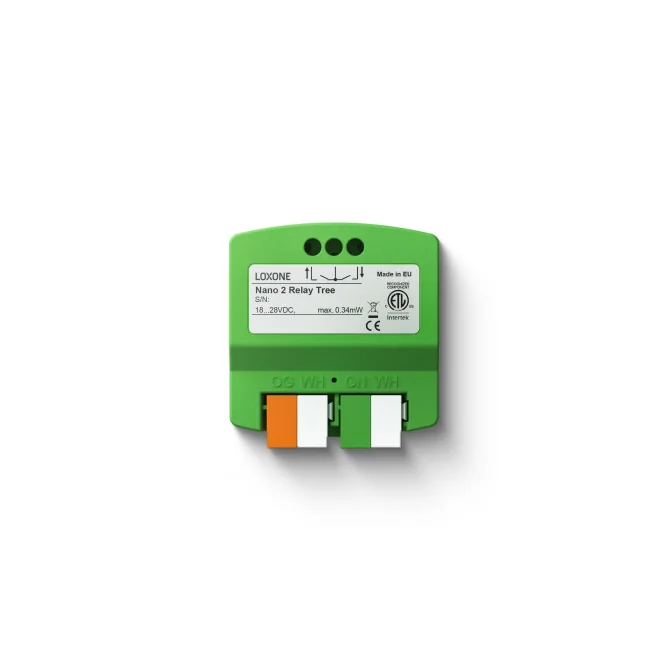
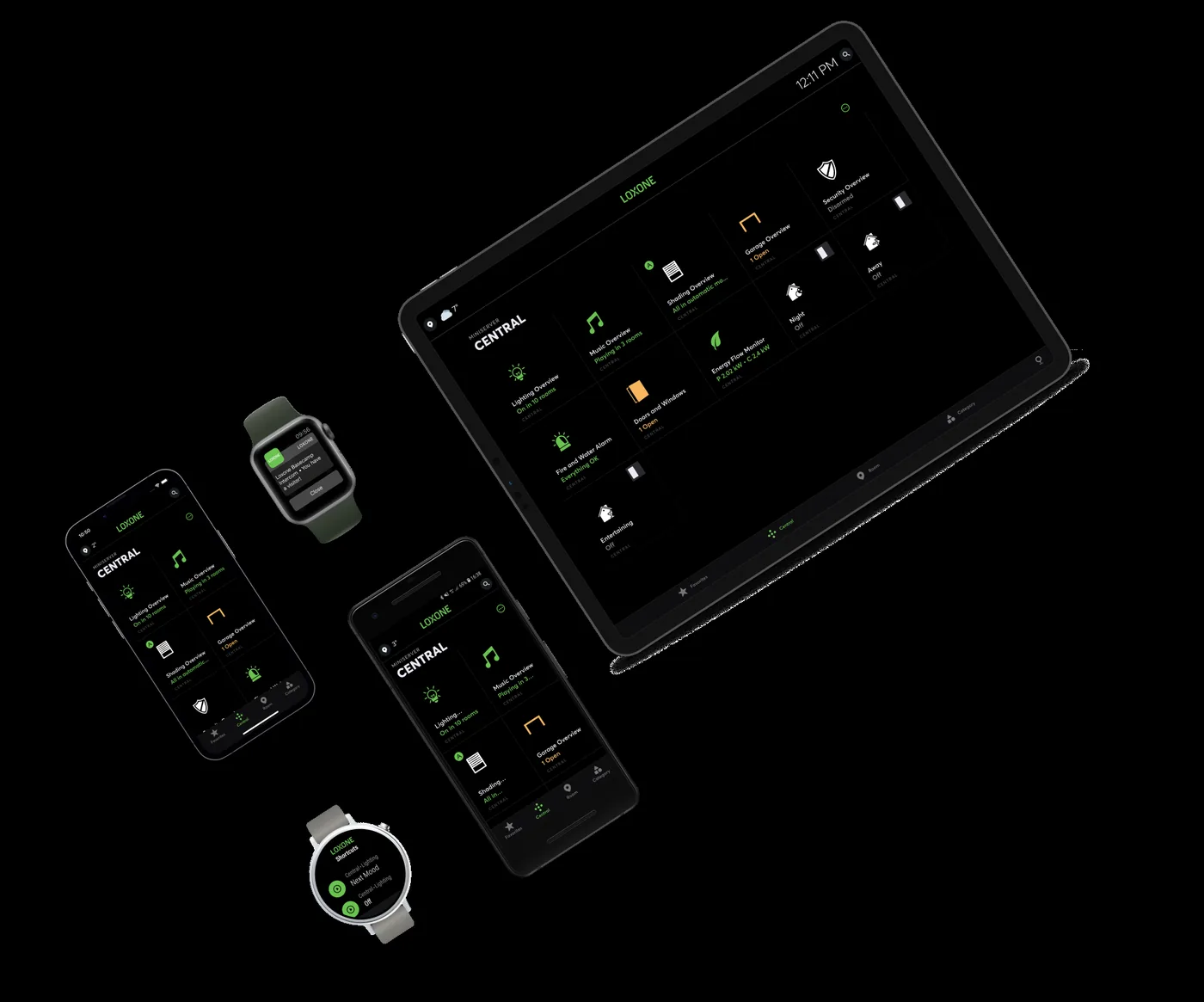
3 images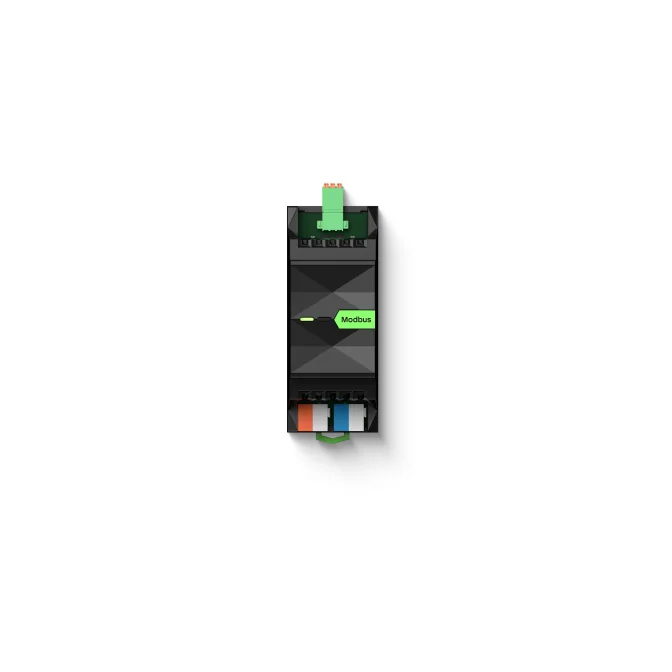
Frequently asked
01Can Loxone control KNX devices?
Yes, through a KNX interface or gateway. The KNX devices keep their own application programmes; Loxone reads and writes group addresses. The project should confirm which datapoint types and group addresses are exposed.
02Is KNX more open than Loxone?
KNX is an open standard with multi-vendor devices. Loxone is a proprietary platform with open interfaces, including KNX, Modbus, BACnet and IP-based APIs. Openness depends on what you need to change later, not only on the protocol name.
03Which is cheaper?
There is no universal answer. KNX may have more competitive device pricing but requires ETS engineering. Loxone may reduce wiring and integration effort but centres the project on its controller. Compare the full lifecycle: design, hardware, programming, commissioning, spares and future changes.
04Can we mix Loxone and KNX in one building?
Yes. A common pattern is KNX for lighting and shading at field level, with Loxone running cross-system logic, HVAC and energy. The boundary should be documented: which system owns each group address, scene and schedule.
05Does Loxone replace a KNX installation?
Not physically. Existing KNX devices can usually stay in place and be integrated. Replacement only makes sense when devices are obsolete, unavailable or unable to provide the required function.
06Which is better for a hotel?
Both can work. KNX is common in European hotel specifications and gives wide device choice. Loxone is strong where room control, PMS events, energy and building supervision need one logic layer. The room type and operating model should decide.
07Do we need ETS to change a KNX system?
Yes for device-level changes: parameters and group addresses live in the ETS project. A supervisor can change scenes and schedules without ETS, but not the device application.
08What happens when the controller fails?
KNX devices can continue local bus operation for functions that do not depend on a controller. Loxone controllers should be specified with spare capacity, backup and a documented recovery procedure. The failure mode belongs in the design.
Next step
Bring us the building.
Tell us the building type, systems in scope and the outcome you need. We will map the shortest path to a working system.